Best External SSD in 2026
TL;DR — Quick Answer
The Samsung T9 is the best external SSD for most people — it’s the fastest mainstream USB-C drive available. On a budget, the Crucial X9 Pro delivers near-identical real-world performance for less. If you need Thunderbolt 5 speeds for professional video work, the LaCie Rugged SSD Pro5 is in a class of its own, though it costs significantly more. Skip the T9 if you don’t have a USB 3.2 Gen 2×2 port — you’ll pay for speed you can’t use.
| Product | Interface | Capacity | Best For | Buy |
|---|---|---|---|---|
| Samsung T9 | USB 3.2 Gen 2×2 (20Gbps) | 1TB–4TB | Speed + everyday use | Amazon → |
| SanDisk Extreme Portable V2 | USB 3.2 Gen 2 (10Gbps) | 1TB–4TB | Travel + light ruggedness | Amazon → |
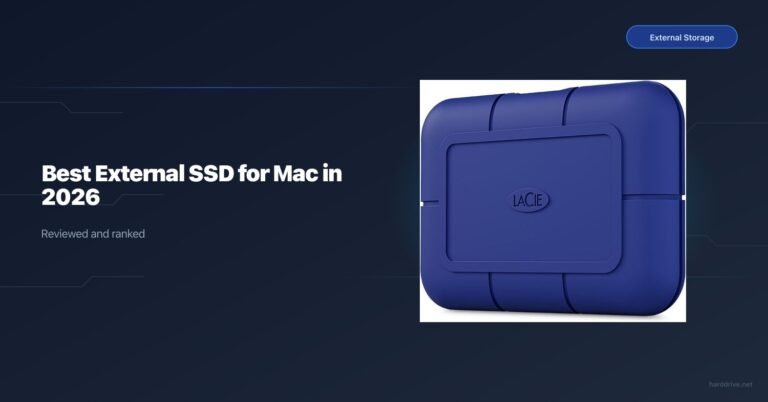
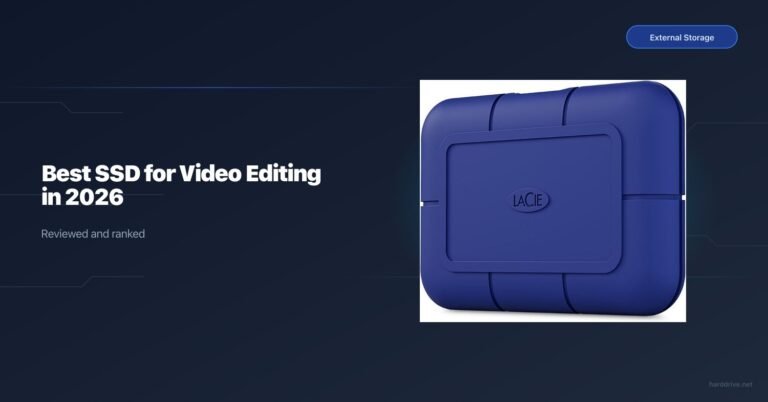
| LaCie Rugged SSD Pro5 | Thunderbolt 5 | 2TB–4TB | Pro video on M4 Mac | Amazon → |
| WD My Passport SSD | USB 3.2 Gen 2 (10Gbps) | 500GB–4TB | Everyday backup | Amazon → |
| Crucial X9 Pro | USB 3.2 Gen 2 (10Gbps) | 1TB–4TB | Best value overall | Amazon → |
| CalDigit Tuff Nano+ | USB 3.2 Gen 2 (10Gbps) | 512GB–2TB | Mac users needing ruggedness | Amazon → |
How We Picked
- Real-world transfer speeds, not just marketing peaks. A drive that sustains 900 MB/s is more useful than one that hits 2,000 MB/s for two seconds then throttles.
- Interface compatibility: USB 3.2 Gen 2×2 (20Gbps) drives are fast, but only if your computer supports it. We note this clearly.
- Durability ratings: IP ratings are independently verified. Drop resistance claims vary in methodology — we distinguish between them.
- Capacity-to-price ratio: Flash storage prices rose sharply in early 2026 due to AI-driven NAND demand. Value comparisons here reflect that environment.
- Ecosystem fit: Some drives bundle useful software (Samsung Portable SSD app) or have features specific to Mac (LaCie’s Thunderbolt 5 connection).
- Warranty: 3-year vs 5-year matters when a drive is your only backup copy on the road.
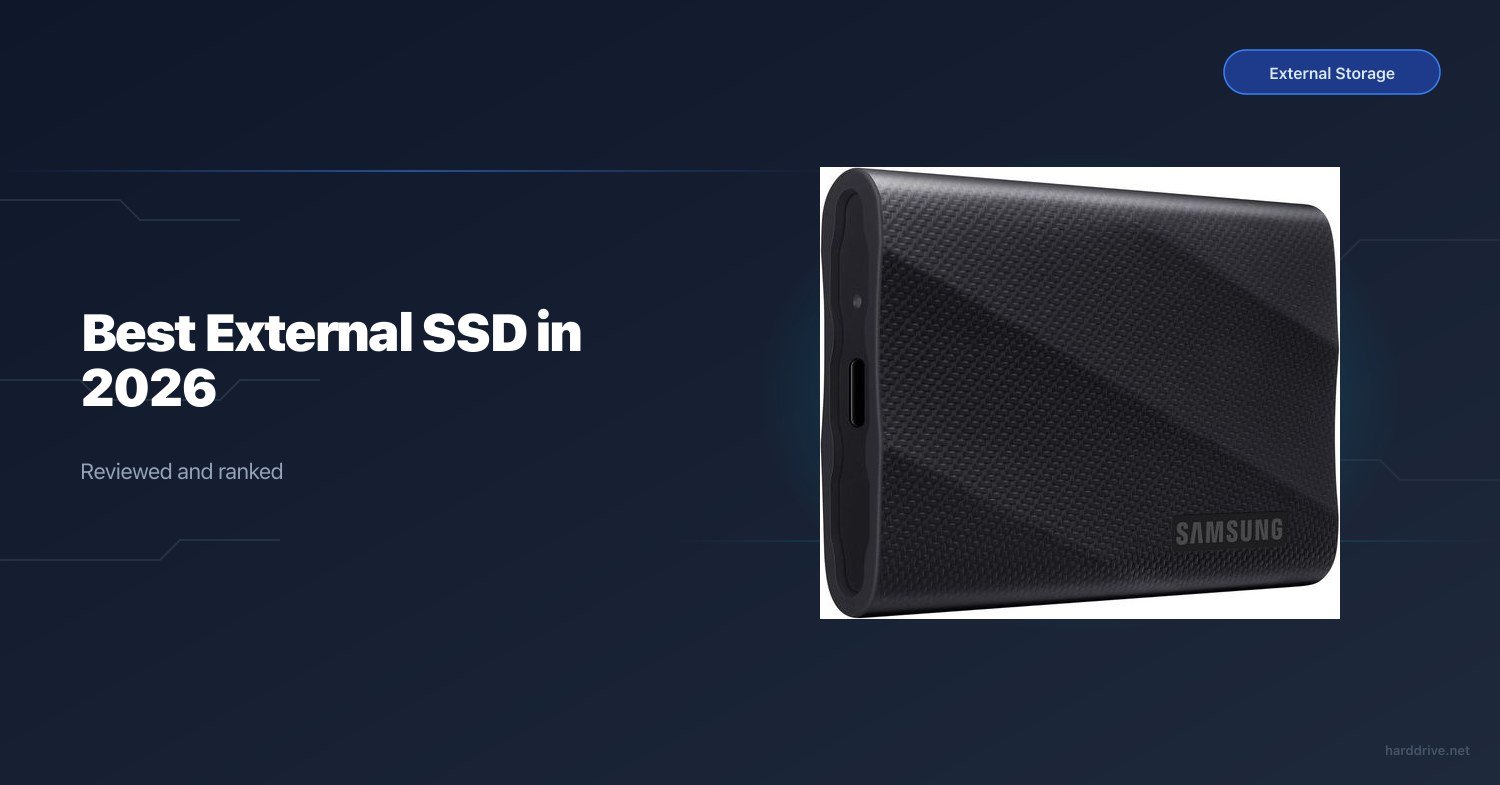
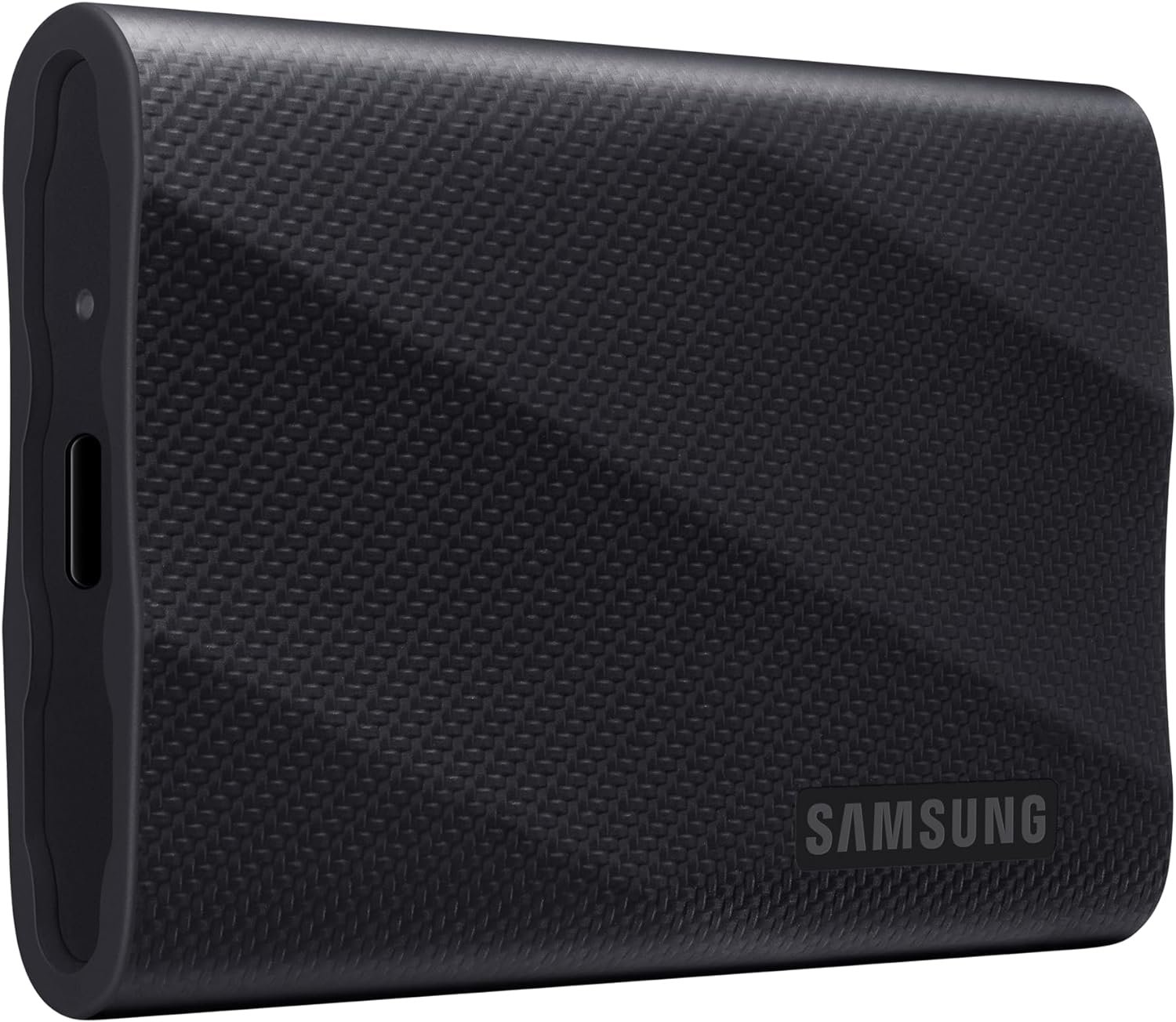
Samsung T9 — Best External SSD for Most People
- Capacity options: 1TB, 2TB, 4TB
- Interface: USB 3.2 Gen 2×2 (20Gbps), USB-C
- Sequential read: up to 2,000 MB/s
- Sequential write: up to 2,000 MB/s
- IP rating: None (rubberised bumpers only)
- Drop resistance: Up to 3 metres
- Warranty: 3 years
The Samsung T9 is the fastest mainstream USB-C portable SSD you can buy today. With USB 3.2 Gen 2×2, it has access to 20Gbps of bandwidth — double what most competitors use — and it fills that pipe. Real-world benchmarks consistently land above 1,500 MB/s in sustained reads, making it genuinely useful for moving 4K footage, large Lightroom catalogues, or game libraries.
In practice, the T9 is most transformative when your host device supports the full 20Gbps. Pair it with an M2 MacBook Pro, a modern Windows laptop, or a PS5 via USB-C, and transfers that previously took five minutes can be done in two. The drive also does not throttle noticeably during long transfers — thermal management is solid. It weighs around 88g and the rubberised shell handles reasonable drops; Samsung rates it to 3 metres. There is no IP dust or water rating, which matters if you shoot outdoors.
This drive is the right choice for photographers, video editors, and heavy laptop users who move large files regularly and have a host device with a 20Gbps USB port. It also works fine on older 10Gbps USB-C ports — you just won’t see the peak speeds.
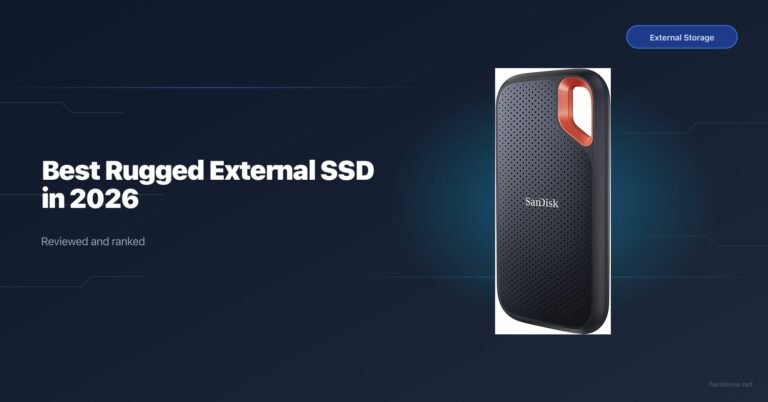
SanDisk Extreme Portable V2 — Best Rugged Value Pick
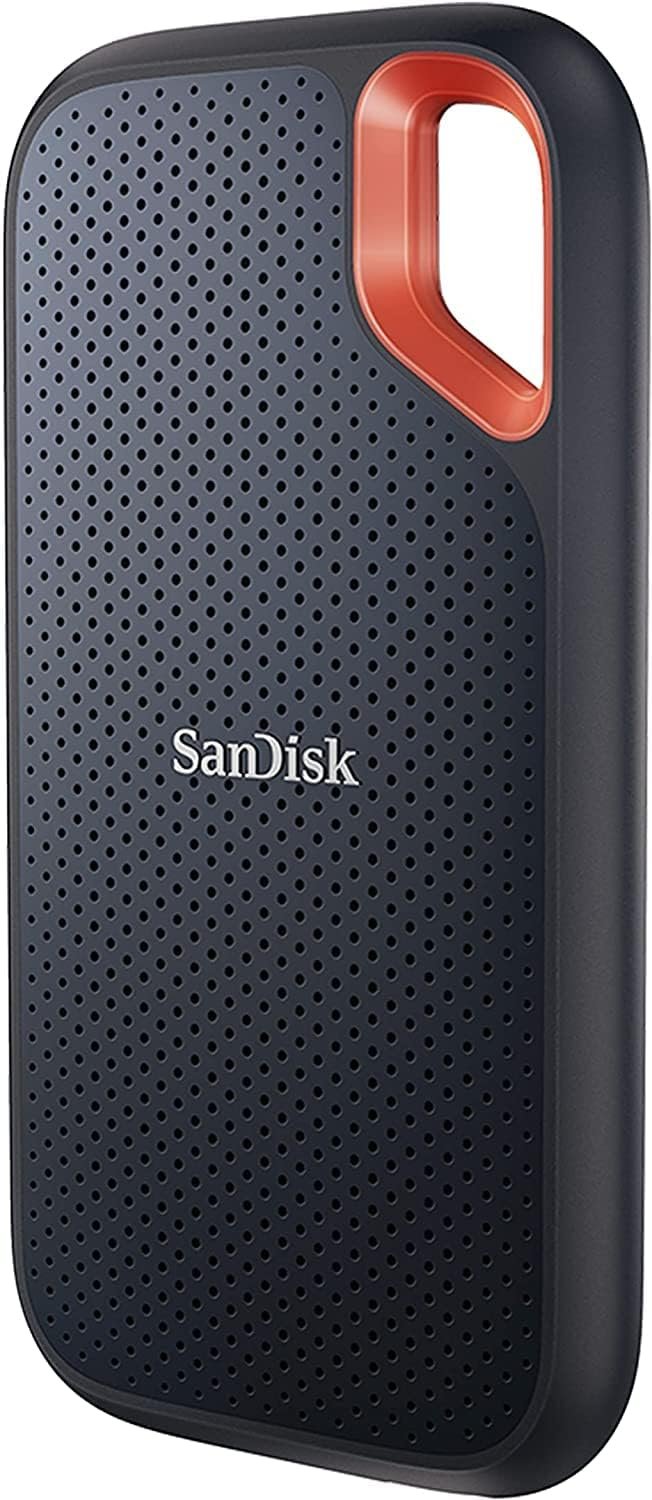
- Capacity options: 1TB, 2TB, 4TB
- Interface: USB 3.2 Gen 2 (10Gbps), USB-C
- Sequential read: up to 1,050 MB/s
- Sequential write: up to 1,000 MB/s
- IP rating: IP55 (dust and water-jet resistant)
- Drop resistance: Up to 2 metres
- Warranty: 5 years
The SanDisk Extreme Portable V2 is the go-to portable SSD for travellers, outdoor photographers, and anyone who needs a drive that can handle real-world abuse without spending Thunderbolt money. IP55 means it can handle rain and dusty environments confidently — not full immersion, but enough for field work. The drive includes a carabiner loop, which gets more useful than you’d expect.
At 10Gbps, speeds cap around 1,050 MB/s in sequential reads. That is not the bleeding edge anymore, but it’s fast enough for most workflows: large RAW files, drone footage, 1080p to mid-bitrate 4K editing. The 5-year warranty is better than Samsung’s 3-year on the T9, and the V2 firmware update from SanDisk resolved the data-loss bug that affected earlier units. Make sure you’re buying a current V2 model.
This is the pick for travel photographers, drone operators, and anyone who cannot afford to have a drive fail in the field. Compatible with PC, Mac, and via USB-A adapter.
LaCie Rugged SSD Pro5 — Best for Professional Video on Mac
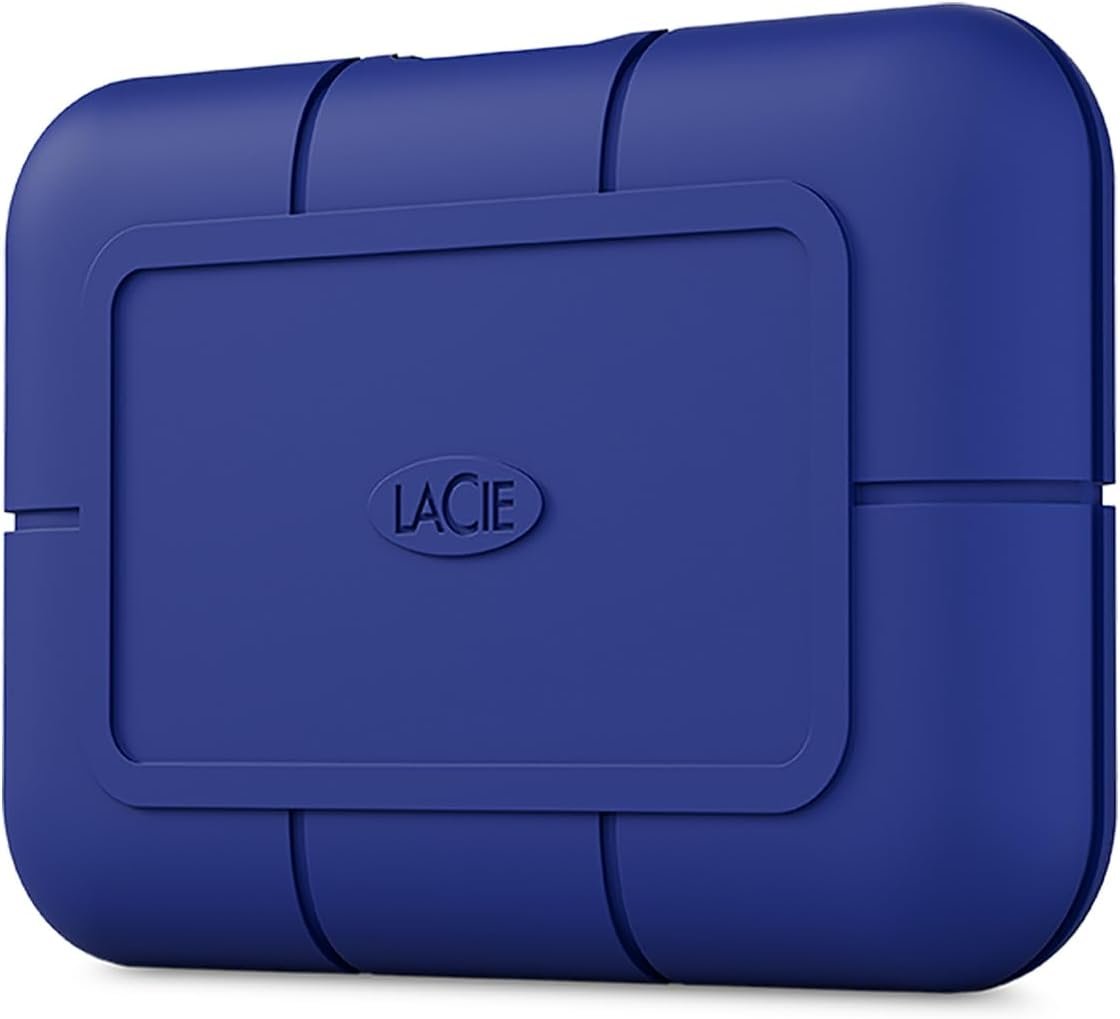
- Capacity options: 2TB, 4TB
- Interface: Thunderbolt 5 (up to 120Gbps)
- Sequential read: up to 6,700 MB/s
- Sequential write: up to 5,300 MB/s
- IP rating: IP68 (dust-tight, 3-metre immersion for 30 min)
- Drop resistance: Up to 3 metres; survives 2-ton vehicle pressure
- Warranty: 5 years
The LaCie Rugged SSD Pro5 exists in a different category entirely. Thunderbolt 5 delivers bandwidth that no USB drive can match — 6,700 MB/s reads mean you can scrub and edit 8K RAW footage directly from the drive. This is not marketing. The Tom’s Hardware and The SSD Review benchmarks confirm it sustains above 6 GB/s when connected to an M4 Pro or M4 Max Mac. If your machine has a Thunderbolt 5 port, this drive will not be the bottleneck.
Beyond speed, the Pro5 has the best ruggedness package of any drive on this list. IP68 is full immersion protection — you can dunk this drive in three metres of water for 30 minutes and it’ll be fine. The rubberised orange shell is recognisable, practical, and rated to survive being run over by a vehicle. The 5-year warranty is appropriate for a drive at this price point.
This is the pick for cinematographers, 3D artists, and Mac-based video professionals who work with large codecs and can’t afford dropped frames from a slow drive.
WD My Passport SSD — Best Budget External SSD
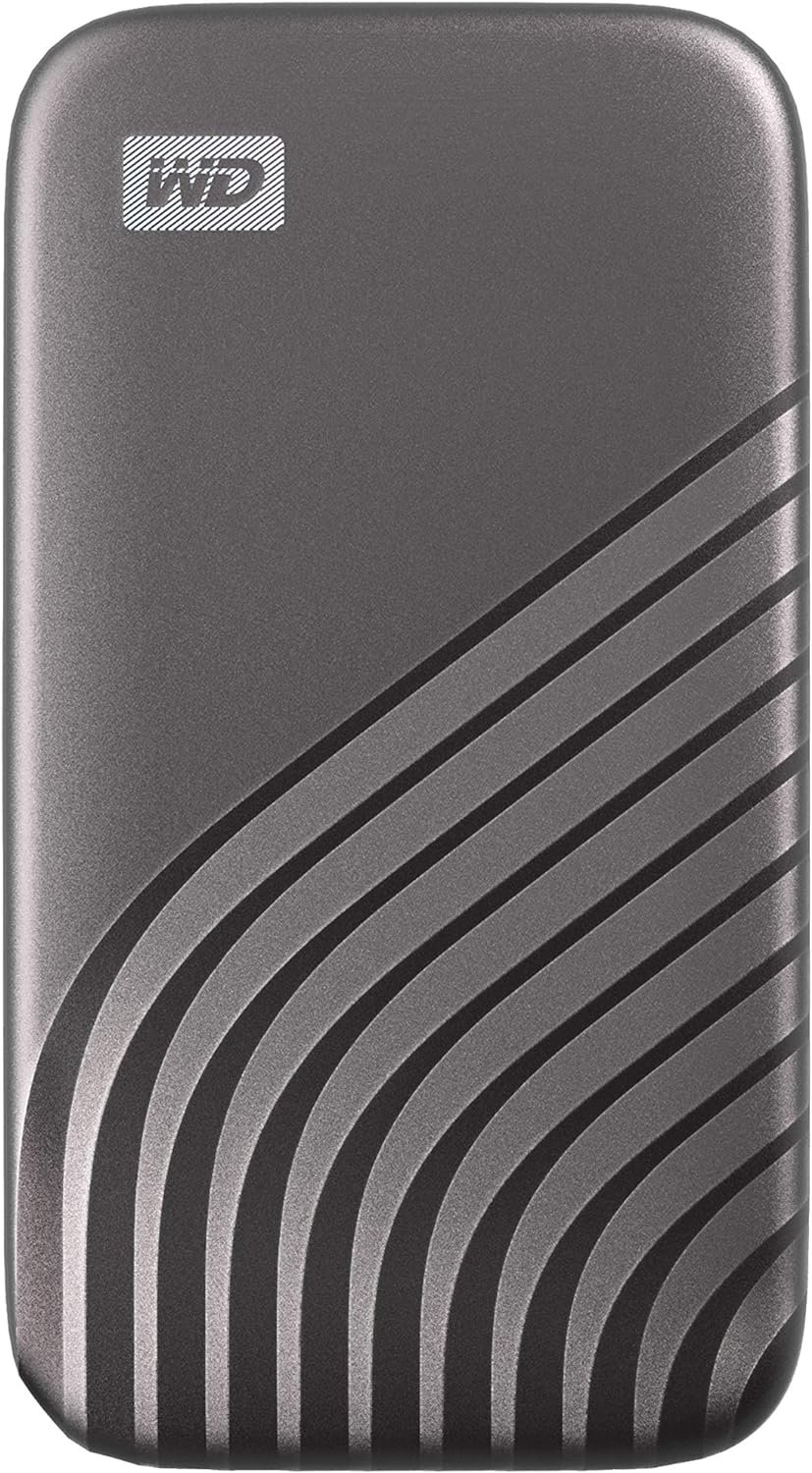
- Capacity options: 500GB, 1TB, 2TB, 4TB
- Interface: USB 3.2 Gen 2 (10Gbps), USB-C
- Sequential read: up to 1,050 MB/s
- Sequential write: up to 1,000 MB/s
- IP rating: None
- Drop resistance: Up to 2 metres
- Warranty: 5 years
The WD My Passport SSD is one of the most affordable portable SSDs from a major brand. It’s no-frills: no rubber bumpers, no IP rating, but it’s fast enough for everyday use, backed by a 5-year warranty, and comes in colours. The 256-bit AES hardware encryption and password protection make it a reasonable choice for sensitive data.
This drive gets the job done for students, home users, and anyone upgrading from a spinning hard drive. At 10Gbps it delivers identical sequential speeds to the SanDisk Extreme V2 or Crucial X9 Pro in most real-world scenarios. The main tradeoff is durability — there’s no meaningful protection against drops or moisture beyond the slim plastic shell.
The My Passport SSD is the right call when your primary goal is affordable, portable storage for a laptop backup, document archive, or personal media library.
Crucial X9 Pro — Best Value External SSD
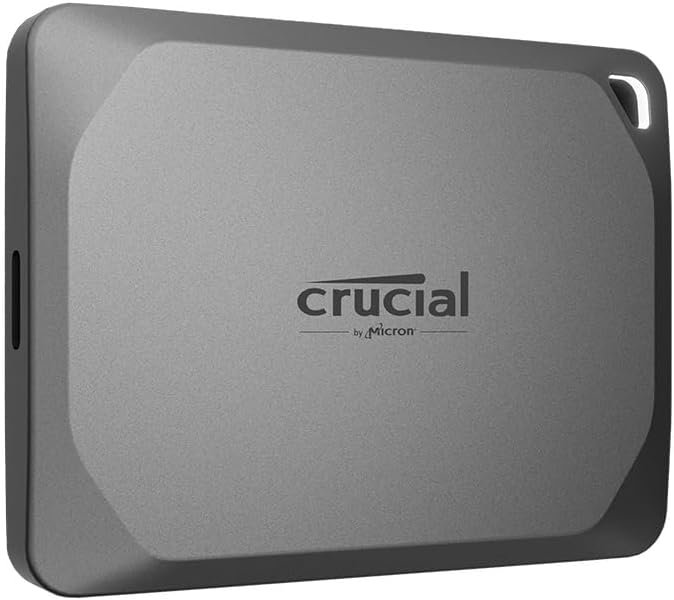
- Capacity options: 1TB, 2TB, 4TB
- Interface: USB 3.2 Gen 2 (10Gbps), USB-C
- Sequential read: up to 1,050 MB/s
- Sequential write: up to 1,050 MB/s
- IP rating: IP55 (dust and water-jet resistant)
- Drop resistance: Up to 2 metres (6.5 ft)
- Warranty: 5 years
The Crucial X9 Pro punches well above its price point. It matches the SanDisk Extreme V2 spec-for-spec — same USB 3.2 Gen 2 interface, same IP55 rating, same 1,050 MB/s ceiling — and typically costs less. The aluminium and polycarbonate build feels more premium than its price suggests, and at 38g it’s one of the lightest drives here.
Where the X9 Pro differentiates itself is the combination of price, durability, and software. It supports 256-bit AES encryption and comes with a Mylio Photos+ redemption code bundled in the box. StorageReview’s testing confirms sustained sequential performance stays close to peak across full-drive writes, which matters for large media transfers.
The X9 Pro is the best choice if you want solid everyday performance, some ruggedness, and don’t want to overpay. It’s also available in a Mac-optimised version with HFS+ preformatting.
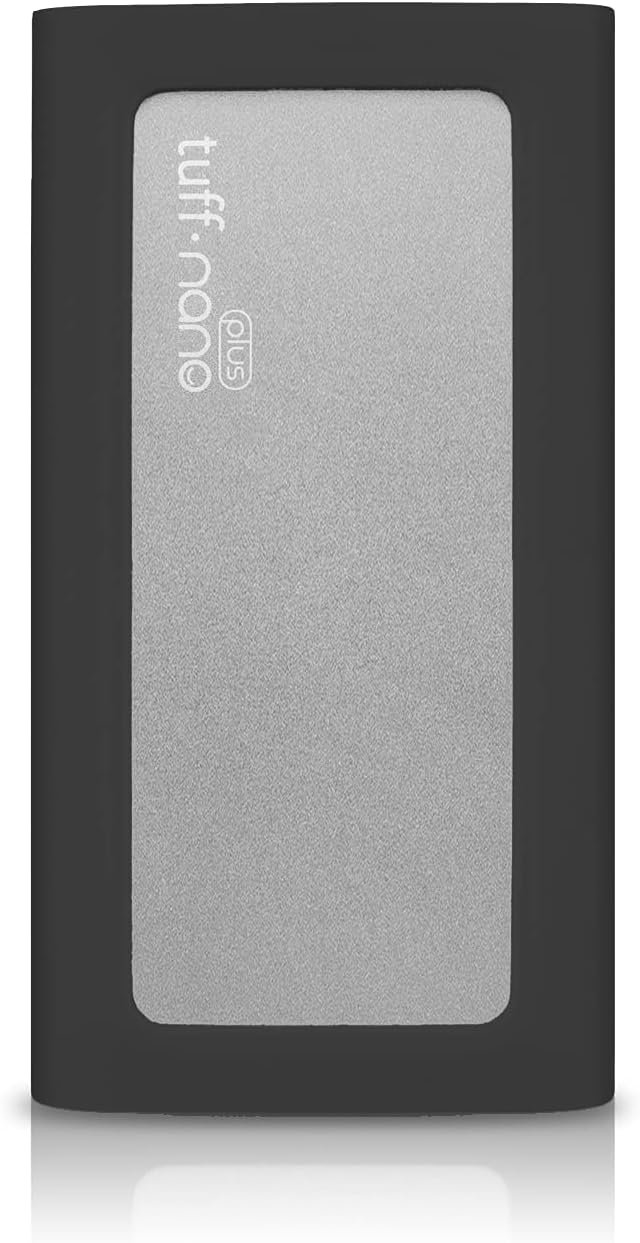
CalDigit Tuff Nano+ — Best Rugged SSD for Mac Users
- Capacity options: 512GB, 1TB, 2TB
- Interface: USB 3.2 Gen 2 (10Gbps), USB-C (Thunderbolt 4 compatible)
- Sequential read: up to 1,055 MB/s
- Sequential write: up to ~1,000 MB/s
- IP rating: IP67 (dust-tight, 1-metre immersion for 30 min)
- Drop resistance: Not specified (rigid aluminium shell)
- Warranty: 3 years
The CalDigit Tuff Nano+ earns its place as the most compact rugged SSD available. It is noticeably smaller and lighter than the SanDisk Extreme V2 — pocket-sized in the truest sense — and IP67 beats the IP55 rating on SanDisk and Crucial. You can submerge this drive in a metre of water for 30 minutes and it’ll be fine. The waterproof USB-C connector is recessed and sealed, not just sleeved.
The Tuff Nano+ is also Thunderbolt 4 compatible, which matters for Mac users. While it won’t exceed 10Gbps (Thunderbolt 4 allows USB 3.2 Gen 2 speeds), it connects cleanly to MacBook Pro, MacBook Air, and Mac Studio ports without an adapter. CalDigit’s brand reputation in the Mac accessories space adds to the appeal.
This is the pick for field photographers, journalists, or Mac users who want the smallest possible rugged drive they can clip to a bag or drop in a jacket pocket.
Frequently Asked Questions
What’s the difference between USB 3.2 Gen 2 and USB 3.2 Gen 2×2?
USB 3.2 Gen 2 runs at 10Gbps — that’s the interface used by the SanDisk Extreme V2, WD My Passport SSD, Crucial X9 Pro, and CalDigit Tuff Nano+. USB 3.2 Gen 2×2 runs at 20Gbps by bonding two 10Gbps lanes, and is what makes the Samsung T9 and Kingston XS2000 twice as fast. Your computer needs to support 20Gbps to see the benefit — check your laptop’s specs before buying a T9 purely for its speed rating.
Is a Thunderbolt SSD worth it over USB-C?
Only if you have a Mac with a Thunderbolt 5 port (M4 Pro/Max and later) and regularly work with 8K RAW footage, 3D renders, or other massive files. For everyone else, a well-tuned USB 3.2 Gen 2 or Gen 2×2 drive gives you everything you need. Thunderbolt drives cost two to four times more and require cables that stay with the drive.
Do external SSDs work with gaming consoles?
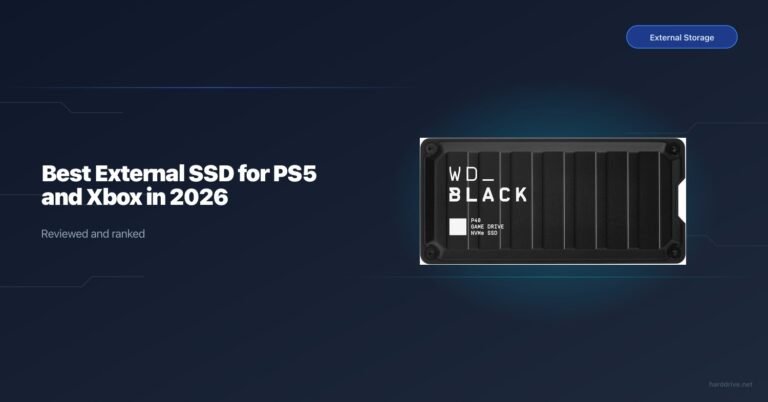
Yes. The Samsung T9 and SanDisk Extreme V2 are both verified compatible with PS5 and Xbox Series X|S over USB-C. For PS5 expanded storage (the true internal slot), you need an M.2 NVMe drive, not an external SSD. External SSDs are best for storing PS4 games or Xbox games on consoles.
Should I worry about flash storage prices in 2026?
Flash storage prices rose notably in early 2026 due to AI-related NAND demand. Prices are higher than they were in 2024. We recommend checking current prices before buying and watching for deal cycles around major retail events, which typically bring 20–30% discounts even in a tight NAND market.
How important is the IP rating for an external SSD?
More important than most buyers realise. A drive with no IP rating can be damaged by a coffee spill or a caught-in-the-rain scenario. IP55 handles rain and water jets. IP67 handles brief submersion. If you regularly work outdoors, in kitchens, or in any environment with moisture, the IP rating is worth prioritising.
Which external SSD is best for Mac?
The LaCie Rugged SSD Pro5 is best for professional video work on M4 Macs. For everyday Mac use, the Crucial X9 Pro for Mac (preformatted HFS+) or CalDigit Tuff Nano+ are excellent.
What capacity external SSD do I need?
2TB is the sweet spot for most people in 2026. It fits a large RAW photo library, several video projects, and serves as a complete backup of a 1TB laptop. Photographers shooting 4K video regularly should consider 4TB. 1TB is fine for students or light users primarily storing documents and compressed media.
Related Reads
- Best Rugged External SSD in 2026 — deep dive on IP ratings and drop-proof drives
- Samsung T9 Review — full hands-on test of our top pick
- Best External SSD for Mac — Thunderbolt and USB-C options optimised for macOS
- Best SSD for Video Editing — internal and external options for creative pros
- Best External SSD for Console — PS5 and Xbox Series X compatible picks