Best NVMe SSD in 2026: The Picks That Actually Matter
TL;DR — Quick Answer
For most people, the WD Black SN7100 is the best NVMe SSD — it delivers top-tier PCIe 4 performance with exceptional power efficiency at a strong price. If you need PCIe 5 speed for AI workloads or future-proofing, the WD Black SN8100 is the one to get. Budget shoppers should check the Samsung 990 EVO Plus. Skip Gen 5 if your motherboard only supports Gen 4 — you won’t see the gains.
| Product | Interface | Capacity | Best For | Buy |
|---|---|---|---|---|
| WD Black SN8100 | PCIe 5.0 x4 | 1–8TB | PCIe 5 flagship, AI workloads | Amazon → |
| WD Black SN7100 | PCIe 4.0 x4 | 500GB–4TB | Best overall Gen 4, laptops | Amazon → |
| Samsung 990 EVO Plus | PCIe 4.0 x4 / 5.0 x2 | 1–4TB | Budget-conscious Gen 4/5 hybrid | Amazon → |
| Seagate FireCuda 530 | PCIe 4.0 x4 | 500GB–4TB | Proven Gen 4 workhorse | Amazon → |
| Kingston Fury Renegade | PCIe 4.0 x4 | 500GB–4TB | Gamers, PS5 upgrades | Amazon → |
| Samsung 990 Pro | PCIe 4.0 x4 | 1–4TB | Workstations, heavy writes | Amazon → |
How We Picked
- Real-world performance over spec sheets. Sequential read numbers look good in marketing copy. We care about sustained writes, queue depth 1 random reads (what your OS actually does), and performance under thermal load.
- Efficiency counts. A fast SSD that runs scalding hot or drains your laptop battery isn’t a good buy. Power efficiency matters especially for handhelds and ultrabooks.
- DRAM vs. DRAM-less, honestly assessed. We note which drives use HMB (Host Memory Buffer) instead of onboard DRAM, and when that trade-off matters — and when it doesn’t.
- Value at launch and over time. Prices shift. We look at where a drive sits relative to its competition, not a fixed dollar figure.
- Compatibility. We note whether a drive requires a PCIe 5 slot to hit its rated speeds, and whether it makes sense in a PCIe 4 system.
- Endurance ratings and warranty terms. A 5-year warranty with a realistic TBW rating tells you a lot about how much the manufacturer trusts their own product.
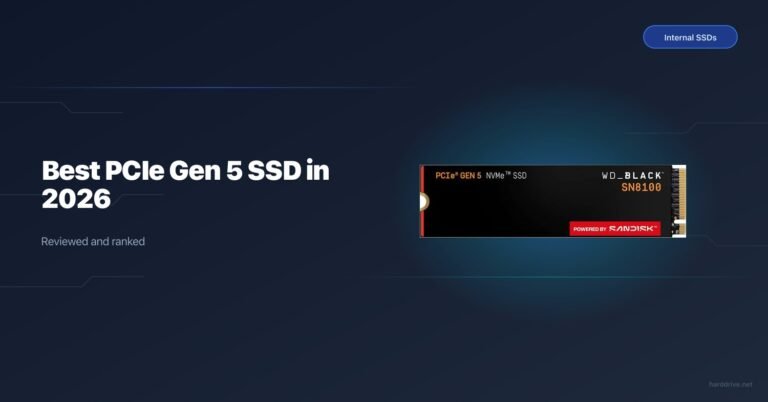
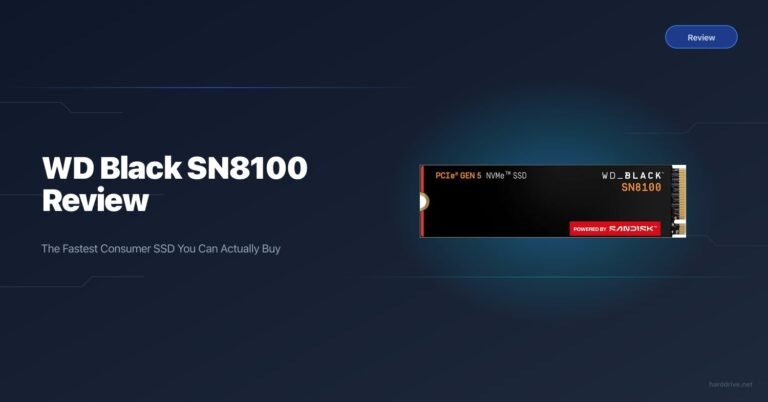
WD Black SN8100 — Best PCIe Gen 5 NVMe SSD
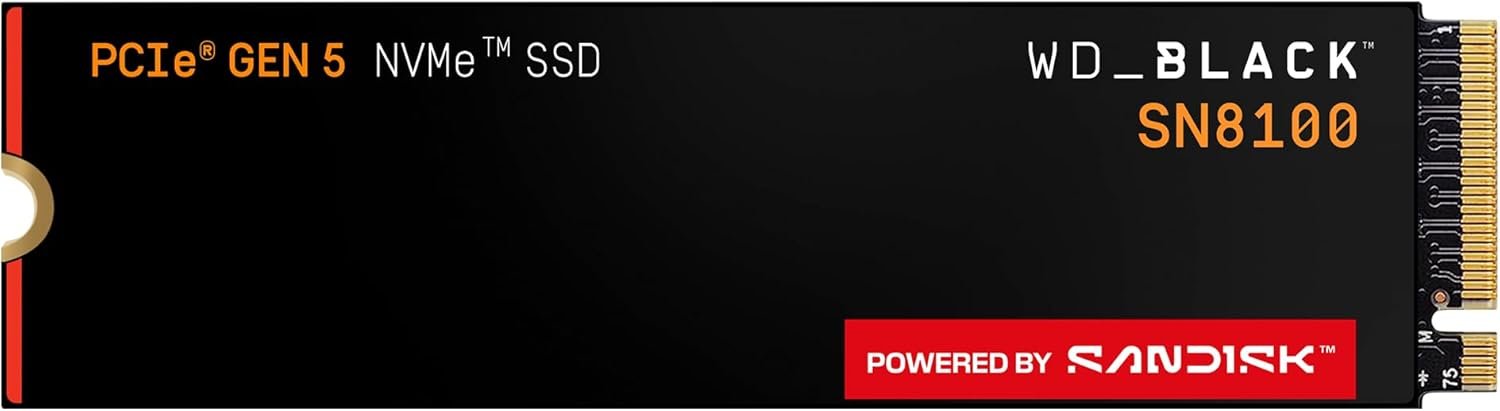
- Capacity options: 1TB, 2TB, 4TB, 8TB
- Interface: PCIe 5.0 x4, NVMe 2.0
- Sequential read: Up to 14,900 MB/s
- Sequential write: Up to 14,000 MB/s (2TB+), 11,000 MB/s (1TB)
- NAND type: BiCS8 218-layer 3D TLC (Kioxia)
- Controller: Silicon Motion SM2508
- DRAM: Yes (2GB LPDDR4 on 2TB model)
- Warranty: 5 years / 1,200 TBW (2TB)
The WD Black SN8100 is the best PCIe Gen 5 SSD you can buy right now. It uses WD’s proven BiCS8 TLC NAND paired with the SM2508 controller — the same controller found in several competing Gen 5 drives — but WD’s firmware and NAND binning put it at the top of the pile. At nearly 15,000 MB/s sequential reads, this is as fast as consumer storage gets in 2026.
In practice, PCIe 5 speeds matter most for large sequential workloads: video production timelines that are pulling multi-gigabyte RAW footage, AI model inference pipelines that are staging large weight files, and OS installs that benefit from faster decompress-to-disk speeds. For typical gaming — loading textures, navigating menus — the difference between a fast Gen 4 drive and this one will often be under a second. Where you’ll feel it is in the workstation-tier tasks you probably already know you have.
The SN8100 makes most sense if your motherboard has a PCIe 5.0 M.2 slot (Intel 12th gen and newer, AMD Ryzen 7000 and newer, with appropriate x570 or later chipset support). Plugged into a PCIe 4 slot, it runs at Gen 4 speeds, which means you’re paying a premium for nothing. If you’re building or upgrading on a Gen 5-capable platform, this is the only drive to seriously consider at the top end.
WD Black SN7100 — Best NVMe SSD for Most People
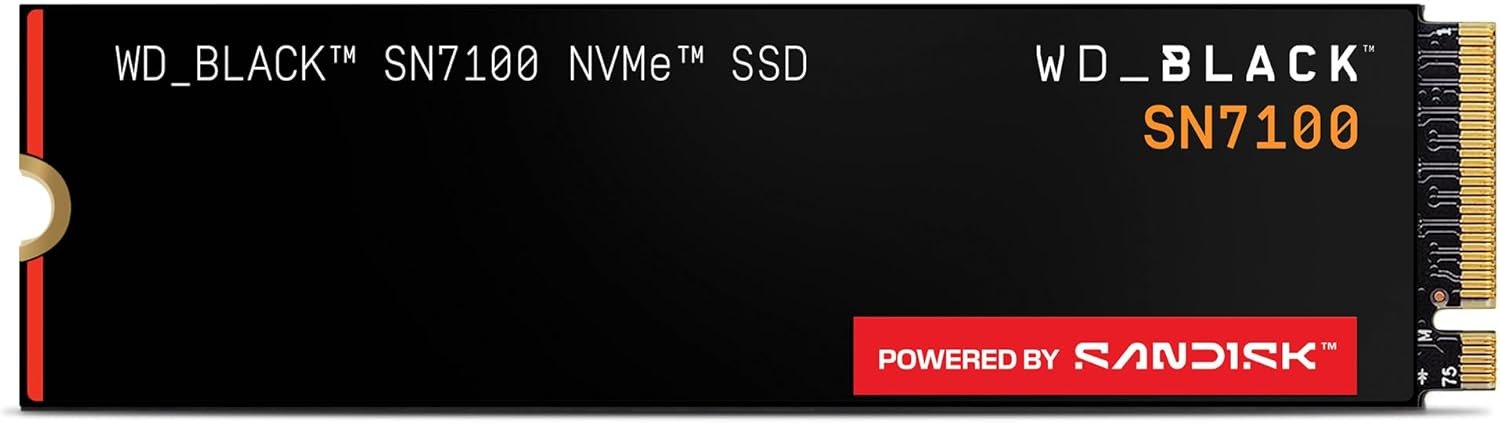
- Capacity options: 500GB, 1TB, 2TB, 4TB
- Interface: PCIe 4.0 x4, NVMe 2.0
- Sequential read: Up to 7,250 MB/s
- Sequential write: Up to 6,900 MB/s (1–2TB)
- NAND type: BiCS8 218-layer 3D TLC (Kioxia)
- Controller: SanDisk Polaris 3 (in-house, DRAM-less)
- DRAM: No (HMB)
- Warranty: 5 years
The WD Black SN7100 is the best NVMe SSD for most people, and it’s not a particularly close call. It delivers class-leading Gen 4 sequential performance, posts the best random read numbers at low queue depths in the Gen 4 DRAM-less category, and does all of this while consuming dramatically less power than its closest competitors. On a laptop or Steam Deck-class handheld, that efficiency translates directly to more battery life.
The DRAM-less design sounds like a compromise on paper, but WD’s Polaris 3 controller combined with HMB makes it essentially a non-issue for the workloads most people run. Game loads, application launches, web browsing — all of this is dominated by random reads at low queue depths, which is exactly where the SN7100 competes with DRAM-equipped drives and wins. Tom’s Hardware and TechPowerUp both crowned it the fastest HMB-based Gen 4 drive tested.
The SN7100 fits any build that takes a PCIe 4 M.2 drive. It’ll even run in PCIe 3 slots at reduced speed. If you’re putting a new SSD in a gaming PC, a laptop, or a portable console, this is the default recommendation — you’d need a very specific use case to justify spending more.
Samsung 990 EVO Plus — Best Budget NVMe SSD
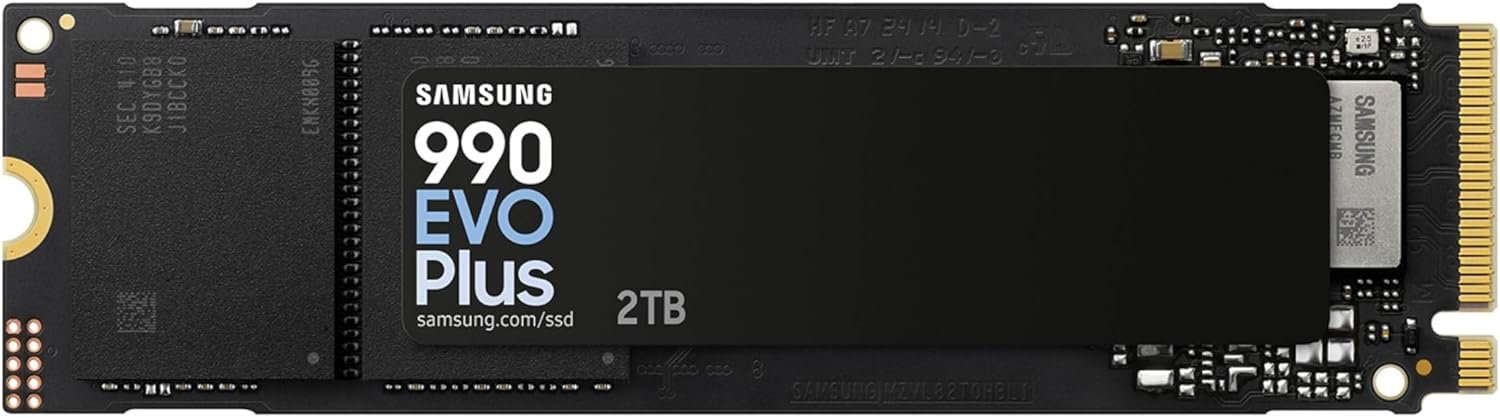
- Capacity options: 1TB, 2TB, 4TB
- Interface: PCIe 4.0 x4 / PCIe 5.0 x2, NVMe 2.0
- Sequential read: Up to 7,250 MB/s (2TB)
- Sequential write: Up to 6,300 MB/s
- NAND type: Samsung V-NAND 236-layer 3D TLC
- Controller: Samsung Piccolo (in-house, DRAM-less HMB)
- DRAM: No (HMB)
- Warranty: 5 years
The Samsung 990 EVO Plus slots in as the best value-oriented NVMe SSD available. Its hybrid PCIe 4×4 / PCIe 5×2 interface means it runs at comparable speeds on both Gen 4 and Gen 5 motherboards, which gives it unusual versatility if you’re building now but planning to upgrade your platform later. Sequential reads top out near 7,250 MB/s — right in line with the best Gen 4 competition.
Samsung’s Samsung Piccolo controller and Intelligent Turbo Write 2.0 technology mean the drive handles bursty workloads well, even without onboard DRAM. The 990 EVO Plus represents a meaningful step up from the original 990 EVO: write speeds are about 50% faster, and the NAND density increased from 8th to an updated Samsung V-NAND stack that improves both performance and longevity. The 4TB model posts a class-leading 1,050,000 IOPS random read — a number that would have been impressive on a drive twice its price two years ago.
If you’re shopping on a tighter budget and want to stay in the Samsung ecosystem, or if you want to avoid paying Gen 5 prices while still having a future-compatible interface, the 990 EVO Plus is the smart call. It’s also a strong laptop upgrade option given its efficient HMB design.
Seagate FireCuda 530 — Best Proven Gen 4 Workhorse
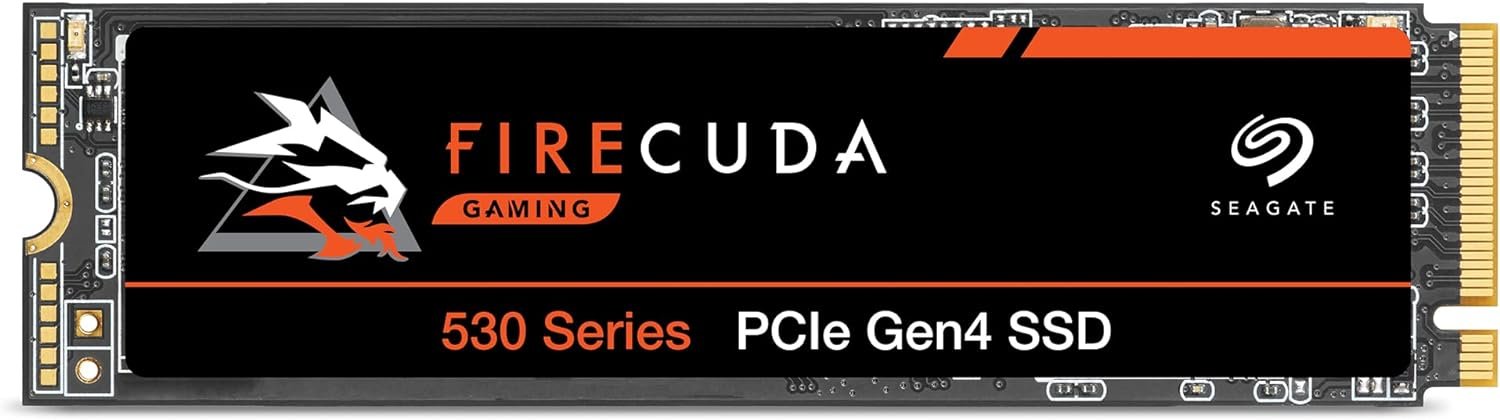
- Capacity options: 500GB, 1TB, 2TB, 4TB
- Interface: PCIe 4.0 x4, NVMe 1.4
- Sequential read: Up to 7,300 MB/s
- Sequential write: Up to 6,900 MB/s (2TB)
- NAND type: 3D TLC
- Controller: Phison PS5018-E18
- DRAM: Yes
- Warranty: 5 years / 2,550 TBW (2TB)
The Seagate FireCuda 530 was one of the first Gen 4 SSDs to truly impress reviewers when it launched, and it remains a compelling choice in 2026 for one reason in particular: endurance. The 2TB model is rated for 2,550 TBW — double what you get on the Samsung 990 Pro or WD Black SN8100 at the same capacity. If you’re running a workstation or NAS application with high write cycles, that rating matters.
The Phison E18 controller is a proven, thoroughly-reviewed piece of silicon, and the FireCuda 530’s implementation has been stable and reliable across thousands of user deployments. DRAM cache means sustained write performance holds up better than DRAM-less alternatives when you’re pushing large transfers. It’s also PS5 compatible, which made it a popular choice for console storage expansion — and remains a good pick for that use case.
The FireCuda 530 won’t out-benchmark newer Gen 4 drives like the Samsung 990 Pro in every scenario, but the combination of high TBW endurance, DRAM cache, and a sub-premium price point makes it the best pick for users who write a lot to their SSD and want peace of mind.
Kingston Fury Renegade — Best for PS5 and Console Gaming
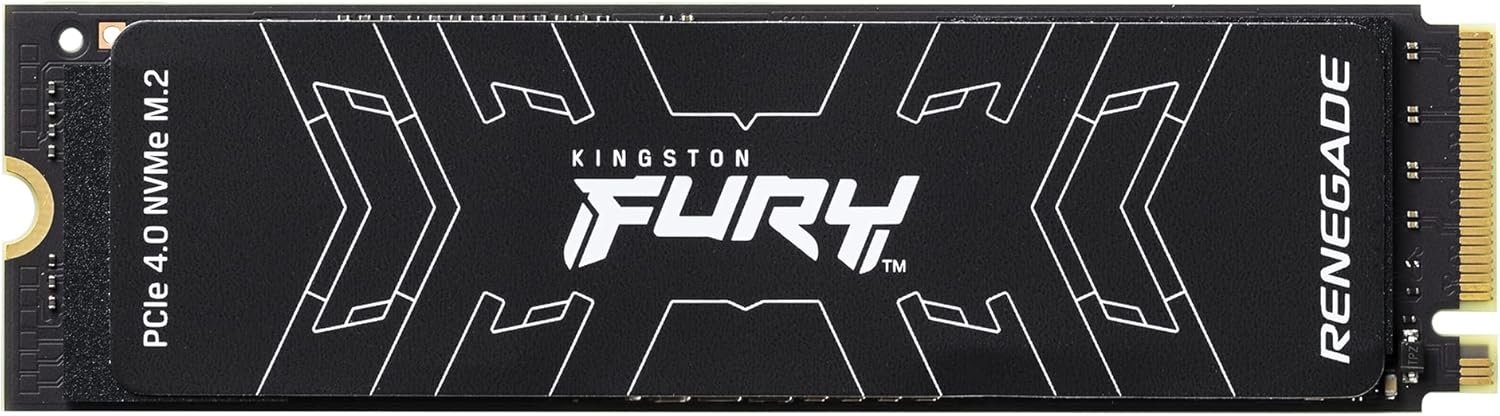
- Capacity options: 500GB, 1TB, 2TB, 4TB
- Interface: PCIe 4.0 x4, NVMe 2.0
- Sequential read: Up to 7,300 MB/s
- Sequential write: Up to 7,000 MB/s (2TB)
- NAND type: 3D TLC (Micron 176-layer B47R)
- Controller: Phison PS5018-E18
- DRAM: Yes (2GB on 2TB model)
- Warranty: 5 years
The Kingston Fury Renegade earns its place on this list because of its PS5 compatibility and consistent real-world gaming performance. It clears Sony’s minimum 5,500 MB/s requirement with headroom to spare, fits in the PS5’s M.2 slot, and comes in a heatsink version that’s ideal for the console’s enclosed bay. Kingston includes a graphene heat spreader on the standard version, which helps thermal management without adding bulk.
Write speeds of up to 7,000 MB/s are among the best in the Gen 4 class — slightly ahead of many competitors at 2TB. The Phison E18 controller with DRAM cache ensures that large file operations maintain consistent throughput, which matters for video game installations that bundle thousands of small files alongside multi-gigabyte asset packs. Reviewers consistently place it at or near the top of Gen 4 write performance benchmarks.
For PC gaming the Fury Renegade is a strong all-rounder. For PS5 use, it’s one of the most reliable, well-documented options with clear heatsink guidance. Kingston’s 5-year warranty provides good long-term coverage.
Samsung 990 Pro — Best for Workstations and Heavy Write Workloads
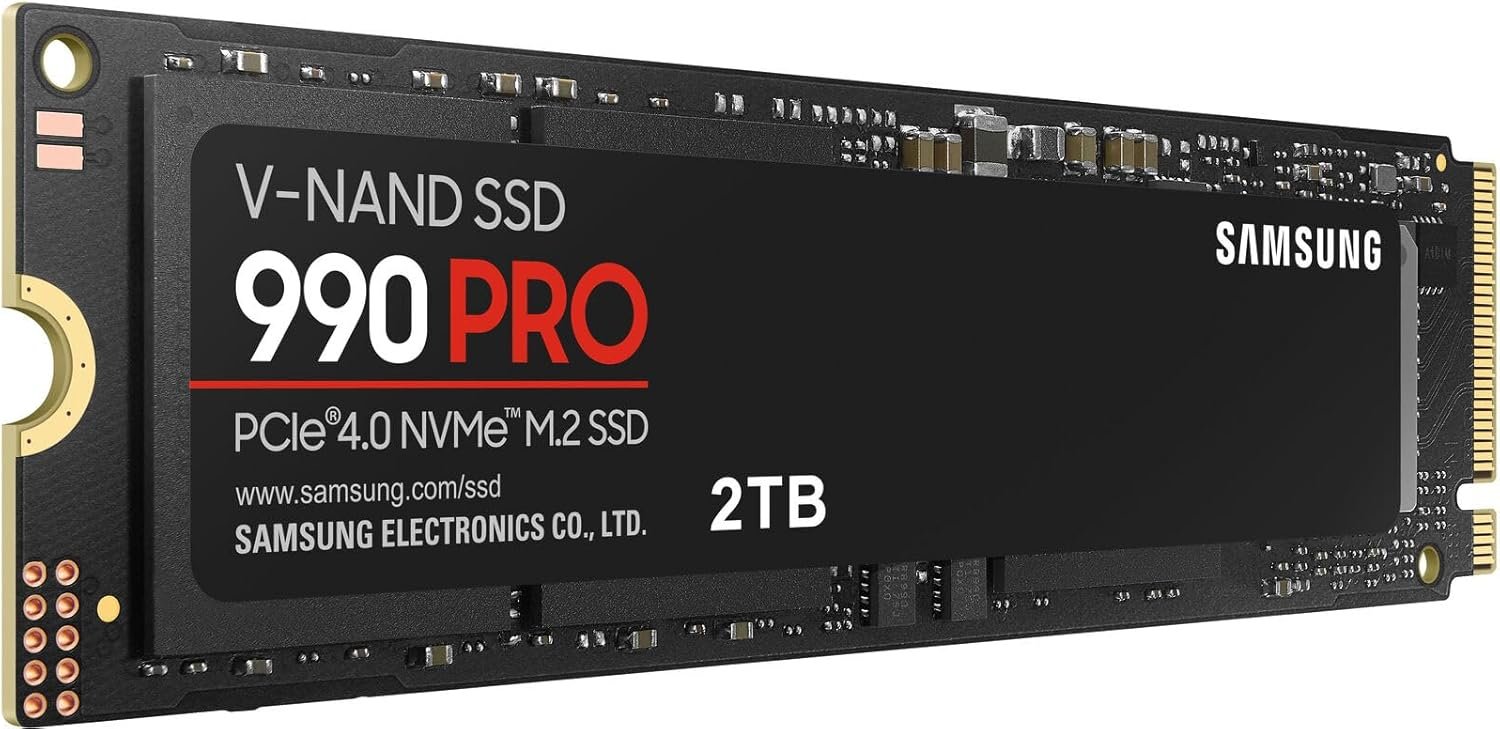
- Capacity options: 1TB, 2TB, 4TB
- Interface: PCIe 4.0 x4, NVMe 2.0
- Sequential read: Up to 7,450 MB/s
- Sequential write: Up to 6,900 MB/s (2TB)
- NAND type: Samsung V-NAND TLC
- Controller: Samsung in-house
- DRAM: Yes (2GB LPDDR4 on 2TB)
- Warranty: 5 years / 1,200 TBW (2TB)
The Samsung 990 Pro holds the highest sequential read speed of any drive on this list at 7,450 MB/s — a meaningful margin ahead of most Gen 4 competition. More importantly, the 990 Pro achieves some of the best QD1 (single-queue) performance available, with up to 22,000 IOPS for reads and 80,000 IOPS for writes at queue depth 1. That matters because most real-world OS operations, application launches, and game loads happen at low queue depths, not the QD32 numbers that dominate spec sheets.
Samsung’s in-house controller and Samsung V-NAND TLC pairing is a mature, well-optimized stack. The 2GB LPDDR4 DRAM cache ensures sustained write performance doesn’t fall off during large transfers. For video editors, developers compiling large codebases, and workstation users who put constant pressure on their storage, the 990 Pro’s combination of DRAM cache, high QD1 performance, and Samsung’s firmware reliability makes it the premium Gen 4 pick.
The 4TB version is particularly interesting — it opens up high-capacity NVMe storage for users who previously had to choose between speed and space.
Frequently Asked Questions
What is the difference between PCIe Gen 4 and PCIe Gen 5 NVMe SSDs?
PCIe Gen 5 doubles the bandwidth of Gen 4, enabling sequential read speeds above 10,000 MB/s versus Gen 4’s ceiling of roughly 7,500 MB/s. For most users — gaming, everyday computing, even 4K video editing — Gen 4 drives are not a bottleneck, and the premium for Gen 5 is hard to justify unless you specifically run AI inference workloads or transfer very large files frequently.
Does DRAM cache matter on an NVMe SSD?
DRAM cache matters most for sustained sequential writes and workloads with mixed read/write patterns at high queue depths. For gaming, web browsing, and OS use, modern DRAM-less drives using HMB (Host Memory Buffer) perform essentially the same as DRAM-equipped drives. If you’re a video editor or run a write-heavy application, a DRAM-equipped drive will maintain higher speeds for longer without throttling.
Is the WD Black SN8100 worth it over a Gen 4 drive?
The WD Black SN8100 is worth it if your motherboard has a PCIe 5.0 M.2 slot and you run workloads that genuinely saturate Gen 4 bandwidth — specifically AI model loading, large RAW video workflows, or professional data pipelines. For gaming alone, it is not worth the premium over a fast Gen 4 drive like the WD Black SN7100.
Which NVMe SSD is best for a PS5?
The Kingston Fury Renegade and Seagate FireCuda 530 are both proven PS5 choices that exceed Sony’s minimum 5,500 MB/s requirement. Both come in heatsink versions designed to fit the PS5’s M.2 bay. Either drive will deliver maximum PS5 performance since the console’s I/O system caps at around 5,500 MB/s regardless of drive speed.
What NVMe SSD is best for a laptop?
The WD Black SN7100 is the best laptop NVMe SSD because its DRAM-less Polaris 3 controller is designed for power efficiency — it uses significantly less power in both active and idle states than competing drives. This translates to real battery life improvement. The Samsung 990 EVO Plus is a solid second choice.
Can I use a PCIe 5 SSD in a PCIe 4 motherboard?
Yes. PCIe is backward compatible, so a Gen 5 drive will work in a Gen 4 slot at Gen 4 speeds. You will not see any Gen 5 performance benefit, so it makes little sense to pay the Gen 5 premium if your board only supports Gen 4.
What does TBW mean on an SSD, and how much do I need?
TBW (terabytes written) is the manufacturer’s rated write endurance for the drive — the total amount of data you can write before the drive may start degrading. A typical consumer user writes 20–40 GB per day, meaning a 600 TBW drive would last over 40 years at that rate. TBW becomes a genuine concern only for write-heavy workloads like video surveillance, database logging, or heavy video editing. For most users, any drive on this list has more TBW than they’ll ever use.
Gen 4 vs Gen 5: which should I buy in 2026?
Buy Gen 4 (PCIe 4.0) if you want the best value and your use case is gaming, everyday computing, or standard content creation. Buy Gen 5 (PCIe 5.0) only if you have a compatible motherboard and run workloads that genuinely stress sequential read bandwidth above 7,500 MB/s, such as AI model staging, 8K RAW video editing, or large database operations.