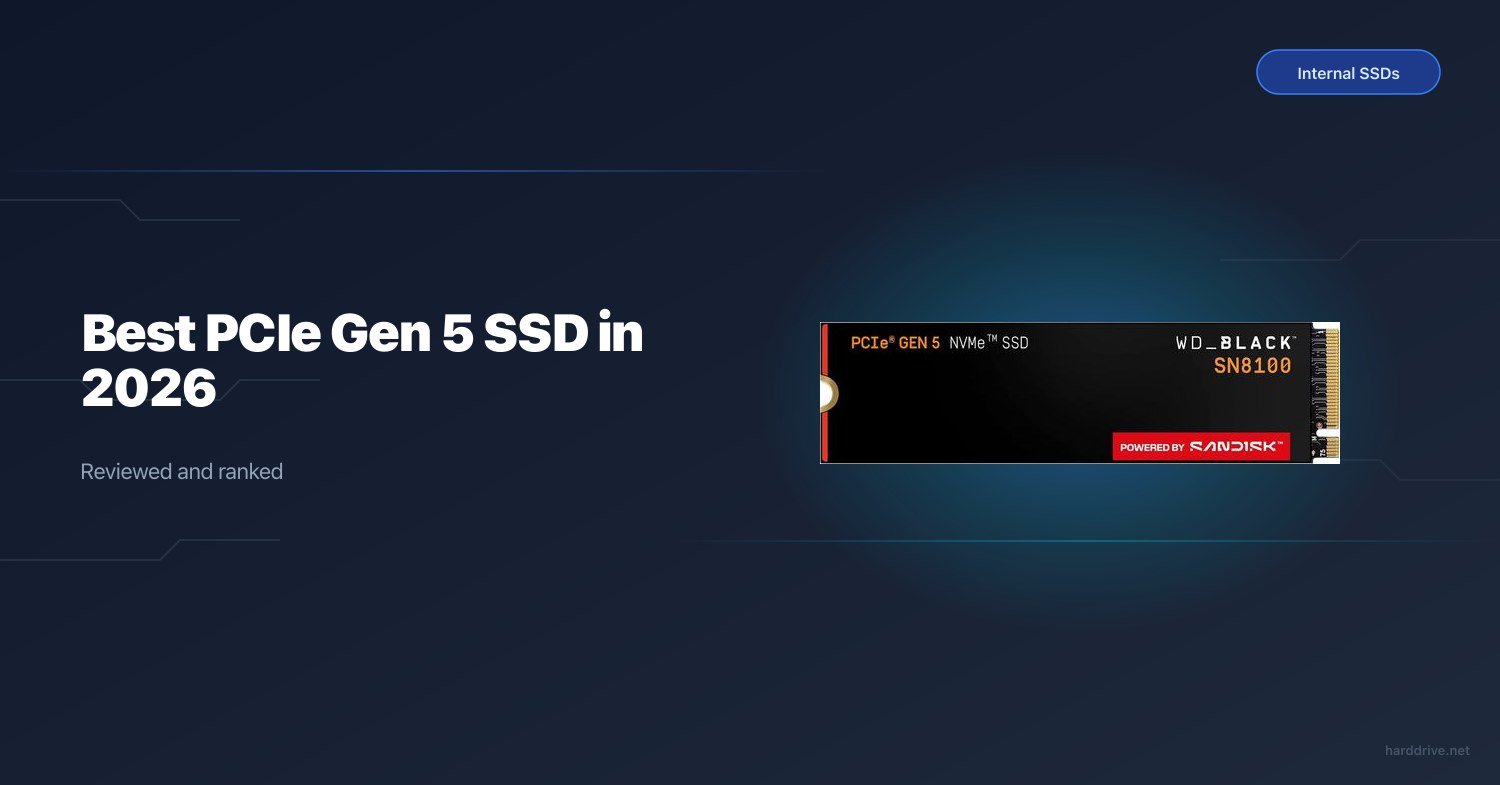
Best PCIe Gen 5 SSD in 2026
TL;DR — Quick Answer
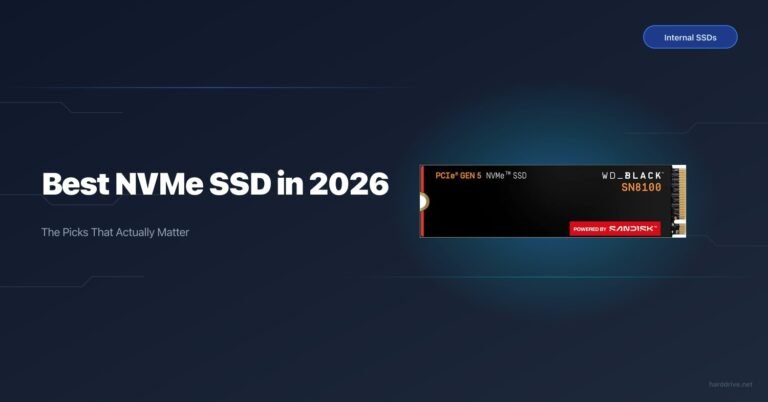
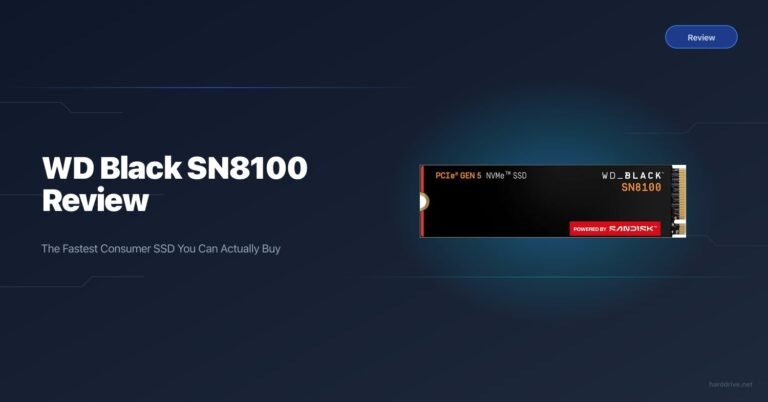
The WD Black SN8100 is the best all-around PCIe Gen 5 SSD in 2026 — fastest real-world speeds, competitive pricing, and available in a heatsink version. If you don’t have a PCIe 5.0 M.2 slot (Intel 12th gen or newer, or AMD X670/X870), none of these drives apply to you — stick with a Gen 4 SSD and save your money.
| Product | Key Spec | Capacity | Best For | Buy |
|---|---|---|---|---|
| WD Black SN8100 | SM2508, 14,900 MB/s read, 600 TBW | 1–8TB | Best overall Gen 5 | Amazon |
| Seagate FireCuda 540 | Phison E26, 10,000 MB/s read, 1,000 TBW | 1–2TB | Best for endurance | Amazon |
| Corsair MP700 Pro SE | Phison E26, 14,000 MB/s read, 1,400 TBW (2TB) | 2–4TB | High-end builds with cooling | Amazon |
| ADATA Legend 970 | Phison E26, 10,000 MB/s read, 700 TBW | 1–2TB | Actively cooled budget option | Amazon |
| Sabrent Rocket 5 | Phison E26, 14,000 MB/s read, 600 TBW | 1–4TB | Best value | Amazon |
| Crucial T705 | Phison E26, 14,500 MB/s read, 600 TBW | 1–4TB | Still worth buying if available | Amazon |
How We Picked
We evaluated these drives on four criteria: raw sequential throughput, sustained write performance (not just burst), thermal behavior under load, and value relative to PCIe Gen 4 alternatives.
Real-world speed matters more than spec sheet peaks. A drive that hits 14 GB/s for two seconds then throttles to 4 GB/s is worse than a Gen 4 drive that sustains 6 GB/s indefinitely. We looked at thermal data from third-party reviews and considered heatsink availability, since every Gen 5 drive on this list requires active cooling or a quality heatsink to avoid throttling.
We also factored in the question nobody wants to ask but everybody should: do you actually need Gen 5? For most tasks — gaming, general desktop work, even 4K video editing — a Gen 4 drive is indistinguishable. Gen 5 earns its premium in large sequential transfers: moving 100 GB+ files regularly, AI/ML data loading, or professional video ingest. If that’s you, read on. If it’s not, visit our best NVMe SSD guide.
Is PCIe Gen 5 SSD Worth It?
Honestly, for most people, not yet. Here’s the breakdown:
Where Gen 5 actually makes a difference:
- Moving very large files frequently (video editors, AI model training, data pipeline work)
- Loading 100+ GB game worlds where the asset streaming bottleneck is real storage bandwidth
- Future-proofing a build that will last 4–5 years
Where Gen 5 makes no measurable difference:
- General gaming (games are GPU and CPU bound at load, not storage bandwidth bound)
- Web browsing, productivity, office work
- 1080p/1440p gaming rigs
The speed premium over Gen 4 is roughly 2x sequential reads. The price premium over a good Gen 4 SSD is about 30–50%. You’re the only one who can do that math for your workload.
One hard requirement: your motherboard must have a PCIe 5.0 M.2 slot. On Intel, that means 12th gen (Alder Lake) or newer on a Z690/Z790 board with PCIe 5.0 M.2 support — check your specific board, not just the platform. On AMD, you need X670, X670E, or X870/X870E. Most B650 boards have PCIe 4.0 M.2 slots only.
WD Black SN8100 — Best Overall
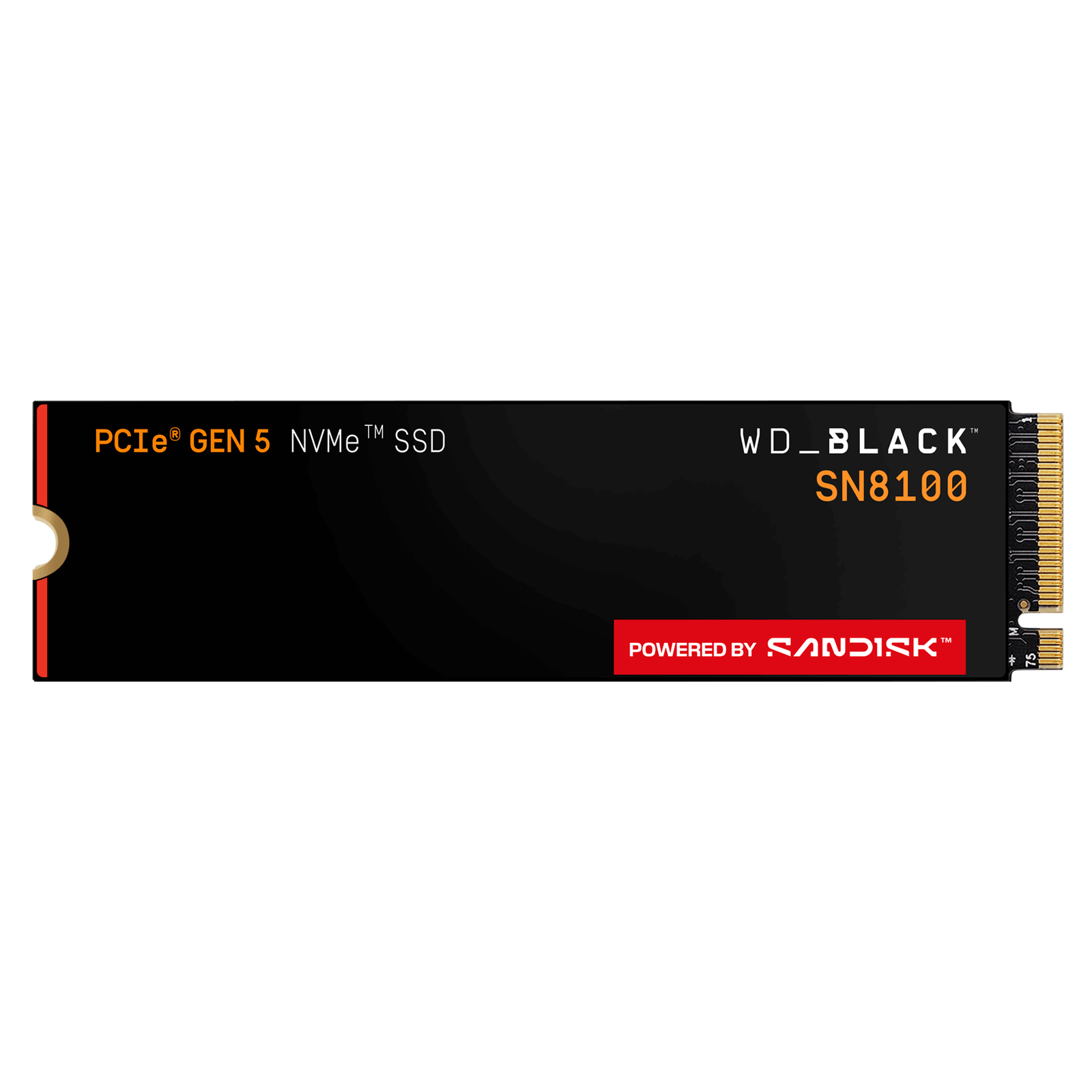
- Capacity: 1TB, 2TB, 4TB (8TB forthcoming)
- Interface: PCIe 5.0 x4 NVMe 2.0
- Controller: Silicon Motion SM2508
- NAND: Kioxia/SanDisk BiCS8 218-layer TLC, 3,600 MT/s
- Read speed: 14,900 MB/s
- Write speed: 14,000 MB/s (2TB/4TB), 11,000 MB/s (1TB)
- TBW (1TB): 600 TBW
- Warranty: 5 years
The SN8100 is the first consumer drive to use Silicon Motion’s SM2508 controller instead of the Phison E26 that powers most of its competitors, and the difference shows. Paired with Kioxia’s latest 218-layer BiCS8 NAND running at 3,600 MT/s, the SN8100 consistently tops sequential benchmarks and delivers the best random I/O performance in the Gen 5 segment — over 2.3 million IOPS in read.
Thermal behavior is better than most Gen 5 drives: the SN8100 runs at 6.2–7.0W active depending on capacity, and while it will throttle without any cooling, the heatsink version manages temps in the 57–66°C range under sustained load — genuinely usable without an aftermarket cooler. Without a heatsink, surface temps can spike above 100°C and throttling kicks in fast. Buy the heatsink version if you can.
Pricing is aggressive for the performance class. At current prices, it undercuts the Samsung 9100 Pro while matching or exceeding it in most workloads. This is our pick for most buyers who want the best Gen 5 drive.
Seagate FireCuda 540 — Best for Endurance
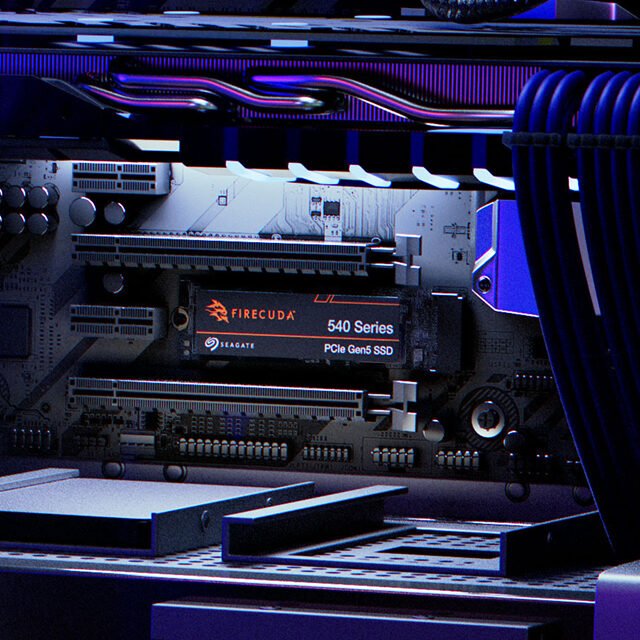
- Capacity: 1TB, 2TB
- Interface: PCIe 5.0 x4 NVMe 2.0
- Controller: Phison PS5026-E26
- NAND: Micron B58R 232-layer TLC
- Read speed: 10,000 MB/s
- Write speed: 10,000 MB/s
- TBW (1TB): 1,000 TBW
- Warranty: 5 years + 3-year Rescue Data Recovery
The FireCuda 540 trades peak sequential speed for an exceptional endurance rating. At 1,000 TBW per TB of capacity — double what you get from most competitors — it’s the obvious choice if you’re writing heavily to your drive day in, day out (video capture, database workloads, continuous rendering pipelines). Seagate also bundles three years of their Rescue data recovery service, which has genuine value for professionals.
Sequential speeds land around 10 GB/s on both read and write, putting it behind the newer SM2508-based drives in raw throughput. But in real-world large-file transfers, the FireCuda 540 has surprised reviewers by landing ahead of spec in sustained workloads, thanks to solid cache management and the Phison E26’s mature firmware. If your workflow involves constant large sequential writes rather than occasional bursts, this drive outperforms its spec sheet.
The drive ships without a heatsink. At Gen 5 power levels, you need one — either use your motherboard’s M.2 thermal shield or buy the heatsink SKU. Do not run this drive bare for extended workloads.
Corsair MP700 Pro SE — Best for High-End Builds with Cooling
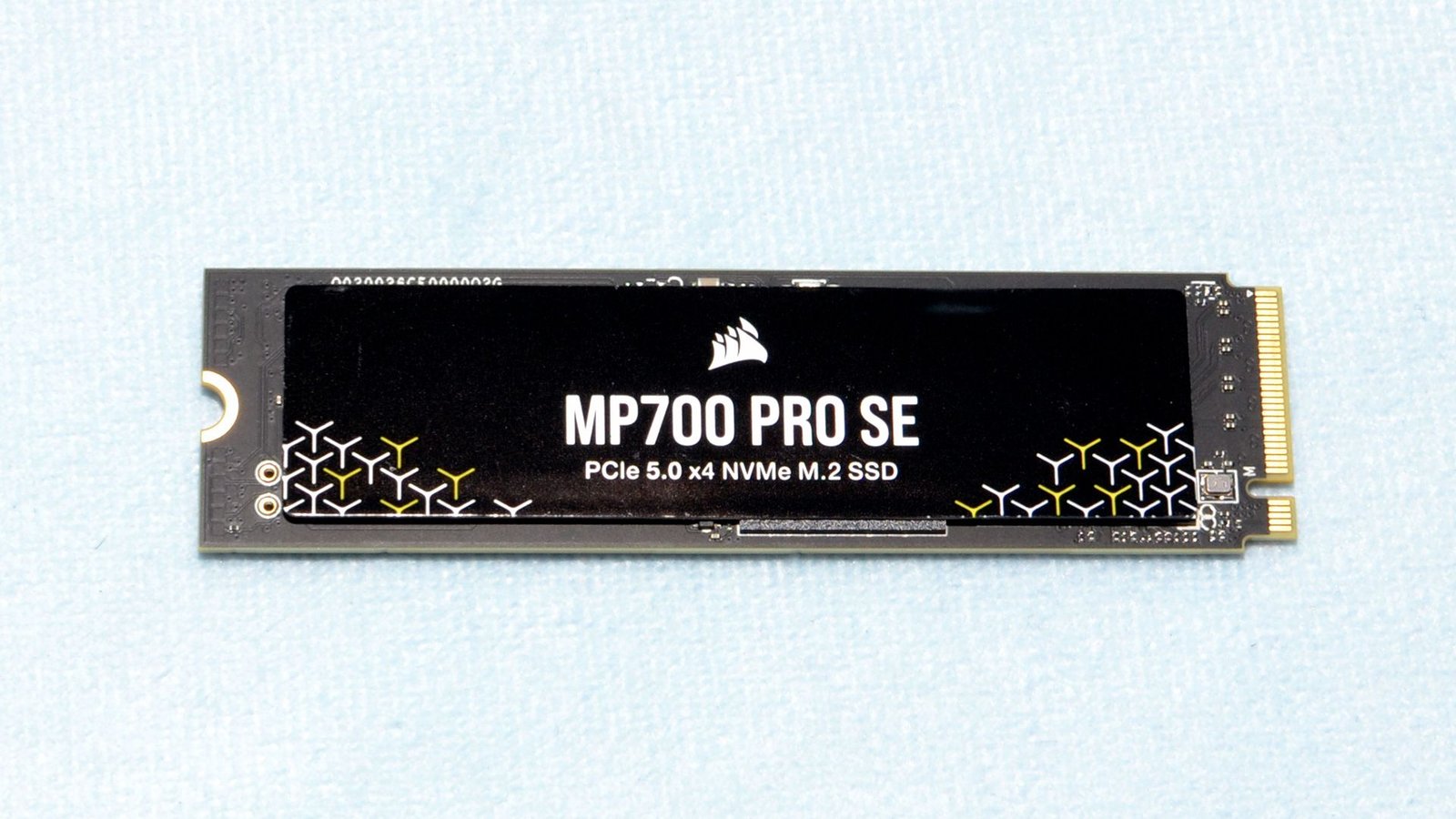
- Capacity: 2TB, 4TB
- Interface: PCIe 5.0 x4 NVMe 2.0
- Controller: Phison E26
- NAND: Micron 232-layer TLC
- Read speed: 14,000 MB/s
- Write speed: 12,000 MB/s
- TBW (2TB): 1,400 TBW
- Warranty: 5 years
Corsair’s MP700 Pro SE comes in two flavors: an air-cooled version with an attached active cooling fan, and a Hydro X water block version for custom loops. This is the drive for builders who are already putting together a premium system and want the storage to match — and who don’t want to think about thermal management separately.
The active cooling on the air-cooled SKU keeps temperatures in check even in the most sustained workloads, which matters because the bare Phison E26 board can throttle aggressively without it. With cooling sorted, the MP700 Pro SE sustains its rated speeds across extended transfers. The 1,400 TBW on the 2TB model is also solid, making this a good professional workstation drive.
The catch: Corsair prices the SE at a premium over simpler drives with equivalent performance. You’re partly paying for the integrated cooler. If your motherboard has a good M.2 heatsink already, a Sabrent Rocket 5 or WD SN8100 at the same price delivers equivalent or better performance.
ADATA Legend 970 — Best Actively Cooled Budget Option
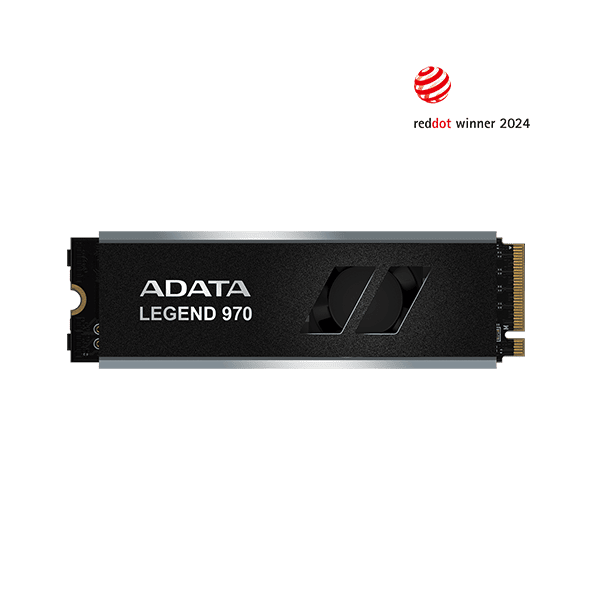
- Capacity: 1TB, 2TB
- Interface: PCIe 5.0 x4 NVMe 2.0
- Controller: Phison PS5026-E26
- NAND: Micron 232-layer TLC
- Read speed: 10,000 MB/s (9,500 MB/s on 1TB)
- Write speed: 10,000 MB/s (8,500 MB/s on 1TB)
- TBW (1TB): 700 TBW
- Warranty: 5 years
ADATA’s Legend 970 was one of the first Gen 5 drives to ship with an active cooling fan included in the box — a practical move that addresses the biggest Gen 5 pain point out of the gate. The fan is cable-free on the Pro version, powering directly from the PCB, which keeps the install clean.
Performance sits at around 10 GB/s sequential — respectable but not in the same class as SM2508-based drives or even the highest-end E26 implementations. In practice, the difference matters most in sustained large transfers; for typical gaming and productivity use, the Legend 970 is more than fast enough. The 700 TBW endurance rating is better than some competitors, and five-year warranty coverage is standard for the class.
Where ADATA earns its spot: if you want Gen 5 performance without agonizing over thermal management, the integrated fan solves the problem before it starts. Pricing is competitive, though not as low as bare-drive options like the Rocket 5.
Sabrent Rocket 5 — Best Value
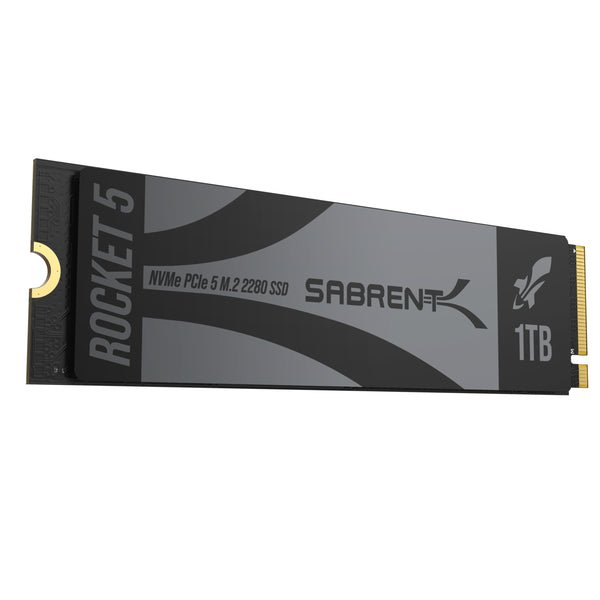
- Capacity: 1TB, 2TB, 4TB
- Interface: PCIe 5.0 x4 NVMe 2.0
- Controller: Phison E26
- NAND: Micron 232-layer TLC
- Read speed: 14,000 MB/s
- Write speed: 12,000 MB/s
- TBW (1TB): 600 TBW
- Warranty: 5 years
The Sabrent Rocket 5 punches well above its price. Running the same Phison E26 controller and Micron 232-layer TLC NAND as far pricier drives, it reaches competitive speeds with no compromises in core performance. Sabrent keeps costs down by selling a bare drive without integrated cooling, and by operating with lower overhead than the big-name brands.
The Rocket 5 draws about 7W active, which puts it firmly in “needs a heatsink” territory — Sabrent sells an optional heatsink, or you can use your motherboard’s M.2 thermal shield. Get one or the other; running this drive bare under sustained loads will trigger throttling. With adequate cooling in place, it sustains its rated speeds reliably.
If you’re building a budget-conscious Gen 5 system and are fine managing thermal protection yourself, the Rocket 5 is the most honest value proposition on this list. The 600 TBW rating is standard for the class, and Sabrent’s warranty service is solid.
Crucial T705 — Still Worth Buying If Available
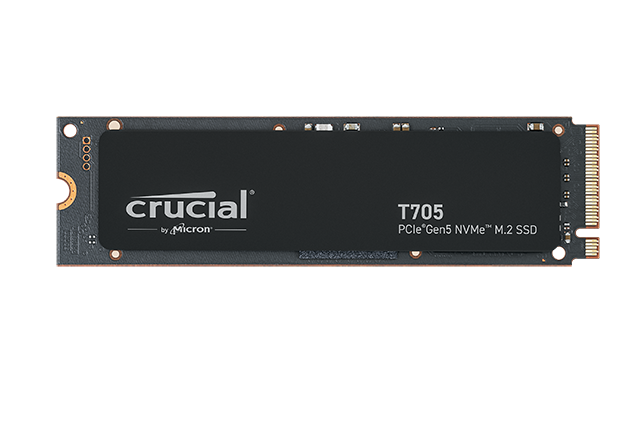
- Capacity: 1TB, 2TB, 4TB
- Interface: PCIe 5.0 x4 NVMe 2.0
- Controller: Phison E26
- NAND: Micron 232-layer TLC
- Read speed: 14,500 MB/s (2TB), 13,600 MB/s (1TB)
- Write speed: 12,700 MB/s (2TB)
- TBW (1TB): 600 TBW
- Warranty: 5 years
Note: Micron exited the consumer storage market in early 2026, selling its Crucial brand. Crucial T705 units remain available through retail and Amazon but are no longer in production. Stock is declining. Price-check before buying, as some listings have been marked up.
When it was in full production, the T705 was one of the top Gen 5 drives — particularly the 2TB model, which hit 14,500 MB/s sequential reads. It ran the same Phison E26/Micron TLC combination as most competitors but with particularly well-tuned firmware. The heatsink version is especially practical, with a well-designed aluminum spreader that keeps temps manageable without the bulk of active cooling.
If you find the T705 at a fair price, it’s still a great drive. If you’re seeing inflated pricing due to limited stock, the WD SN8100 or Sabrent Rocket 5 offer more value right now.
Frequently Asked Questions
Do I need a heatsink for a PCIe Gen 5 SSD?
Yes, in almost all cases. PCIe Gen 5 SSDs draw 6–10W under load — roughly double what Gen 4 drives consume — and will hit thermal throttle thresholds (typically 75–80°C on the controller) within minutes of sustained writes without cooling. Your motherboard’s built-in M.2 thermal shield is usually sufficient for moderate workloads; buy a drive with an integrated heatsink or add one separately if you do sustained large transfers.
What motherboards support PCIe Gen 5 M.2 slots?
On Intel, Z690, Z790, and newer boards with Intel 12th gen CPUs or later typically include at least one PCIe 5.0 M.2 slot — but verify for your specific board, as some Z690 boards only put PCIe 5.0 on the primary x16 slot, not the M.2. On AMD, X670, X670E, X870, and X870E motherboards support PCIe 5.0 M.2. B650 boards generally offer only PCIe 4.0 for M.2 storage.
Is PCIe Gen 5 backward compatible with Gen 4 slots?
Yes. A Gen 5 SSD will work in a PCIe 4.0 M.2 slot but will run at Gen 4 speeds (roughly half the rated maximum). This is fine if you’re buying for a future upgrade — the drive will work correctly at reduced speed today.
How much faster is PCIe Gen 5 vs Gen 4 in real use?
In sequential transfers, roughly 2x. In game loading times, random access, and everyday desktop use, the difference is negligible. Storage is rarely the bottleneck in those scenarios.
Is QLC NAND used in any of these Gen 5 drives?
No — all five drives reviewed here use TLC NAND, which delivers better sustained write performance and higher endurance than QLC. For a deeper explanation of what NAND type means for your drive, read our TLC vs QLC NAND explainer.
Which Gen 5 SSD is best for PS5?
The PS5 uses PCIe 4.0, not PCIe 5.0, so none of these drives will run at full Gen 5 speeds in a PlayStation 5. They’ll work at Gen 4 speeds, but you’d be overspending significantly. See our best SSD for PS5 guide for purpose-built recommendations.
What’s the difference between the Corsair MP700 Pro and MP700 Pro SE?
The Pro SE adds a higher-performance configuration with integrated cooling options (active air or Hydro X water block). The base MP700 Pro is a bare drive using the same Phison E26 controller at slightly lower rated speeds. The SE is for buyers who want integrated cooling sorted; the base Pro for those with good motherboard cooling.