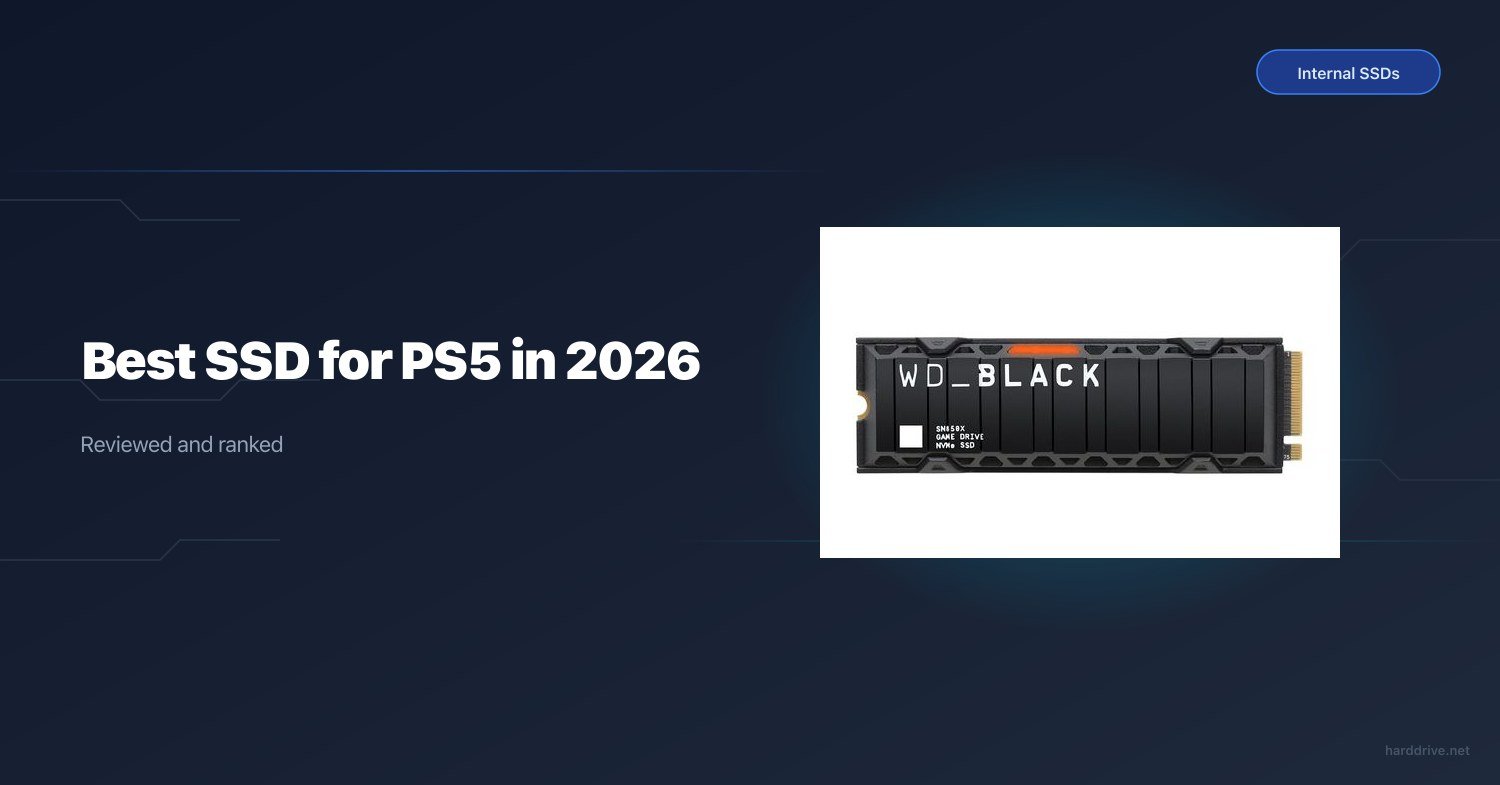
Best SSD for PS5 in 2026
TL;DR — Quick Answer
The WD Black SN850X is the best all-around internal SSD for PS5 — fast, reliable, and available in a heatsink bundle that takes the guesswork out of installation. On a tighter budget, the Sabrent Rocket 4 Plus delivers top-tier Gen 4 speeds for less. If you are fine managing your library by swapping games in and out, the base PS5 internal storage may hold you for a while — but most people will want an upgrade within a year.
| Product | Interface | Capacity | Best For | Buy |
|---|---|---|---|---|
| WD Black SN850X | PCIe Gen 4 x4 | 1TB–4TB | Overall best pick | Amazon → |
| Samsung 990 Pro | PCIe Gen 4 x4 | 1TB–4TB | Best raw speed | Amazon → |
| Seagate FireCuda 530 | PCIe Gen 4 x4 | 500GB–4TB | Best endurance | Amazon → |
| Kingston Fury Renegade | PCIe Gen 4 x4 | 500GB–4TB | Best value flagship | Amazon → |
| Sabrent Rocket 4 Plus | PCIe Gen 4 x4 | 500GB–8TB | Budget Gen 4 | Amazon → |
| Corsair MP600 Pro LPX | PCIe Gen 4 x4 | 500GB–4TB | Tightest PS5 fit | Amazon → |
How We Picked
- Speed floor: The PS5 recommends a minimum 5,500 MB/s sequential read. Every drive here exceeds that by a wide margin, so real-world load times are competitive across the board.
- Form factor fit: All picks are M.2 2280 NVMe. The PS5 supports 2230, 2242, 2260, 2280, and 22110 — but 2280 is the most common and easiest to source.
- Heatsink: Sony requires effective heat dissipation. Drives without a heatsink need you to buy one separately or use a third-party option. We flagged heatsink availability on each pick.
- Endurance (TBW): Higher TBW ratings matter for heavy game installs and deletions over time. We noted TBW for each drive.
- Warranty: Five-year warranties are the standard among flagship Gen 4 drives. We noted anything shorter.
- Value: We balanced the price-per-gigabyte against real-world PS5 performance differences, which are often small between the top picks.
WD Black SN850X — Best Overall
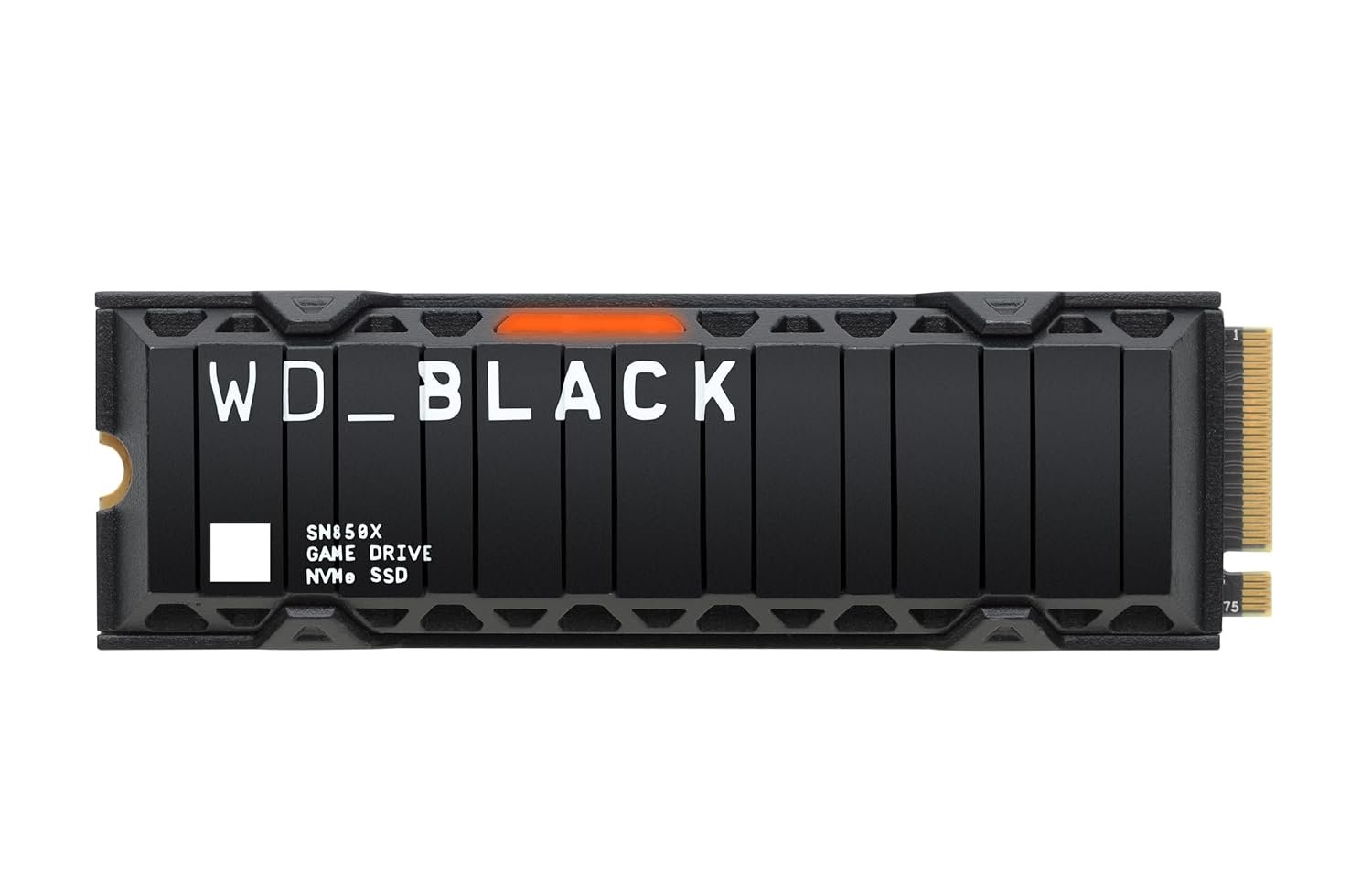
- Capacity: 1TB, 2TB, 4TB
- Interface: PCIe Gen 4 x4, NVMe 1.4
- Sequential read: 7,300 MB/s
- Sequential write: 6,300 MB/s
- Heatsink included: No (heatsink bundle available separately)
- Warranty: 5 years
The SN850X is the drive most PS5 upgrade guides recommend for good reason. WD’s Game Mode 2.0 firmware is purpose-built to reduce latency during random read workloads — the exact pattern consoles use when streaming open-world game assets. In practice, that translates to faster texture pop-in times and snappier fast travel loading compared to drives without similar optimizations.
At 7,300 MB/s sequential read, the SN850X comfortably clears Sony’s 5,500 MB/s recommendation and sits just below the Samsung 990 Pro’s rated peak. In everyday PS5 use, you will not feel the difference. What you will notice is that the SN850X heatsink bundle keeps the drive cool even during multi-hour sessions — important since the PS5’s M.2 bay has limited airflow compared to a desktop PC.
The 2TB model is the sweet spot. Modern AAA games routinely hit 80–120 GB, and Call of Duty’s full install can exceed 300 GB on its own. A 1TB drive fills up faster than most people expect. At 2TB you can hold 15–20 large titles without constantly juggling installs.
Samsung 990 Pro — Fastest Rated Speeds
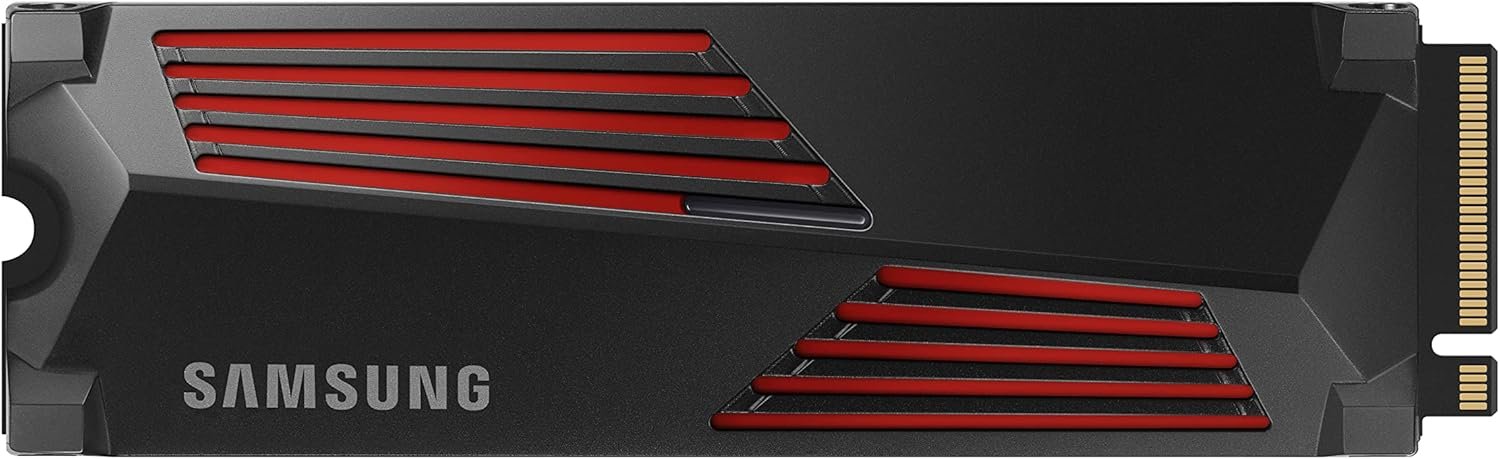
- Capacity: 1TB, 2TB, 4TB
- Interface: PCIe Gen 4 x4, NVMe 2.0
- Sequential read: 7,450 MB/s
- Sequential write: 6,900 MB/s
- Heatsink included: No (heatsink model available)
- Warranty: 5 years
The Samsung 990 Pro has the highest rated sequential read speed of any drive on this list at 7,450 MB/s, and it backs that up with strong random I/O — up to 1,400K/1,550K IOPS. Samsung’s in-house controller and V-NAND flash give it exceptional consistency; you will not see the speed drop-off under sustained load that affects some third-party controllers.
For PS5 owners specifically, Samsung offers a heatsink model (MZ-V9P2T0CW for the 2TB) that is PS5-certified and sized to clear Sony’s 11.25mm bay height limit. If you want the peace of mind of an officially validated heatsink and the highest rated read speed on the market, the 990 Pro heatsink bundle is a hard combination to argue with.
The 990 Pro also runs slightly cooler under sustained workloads than its predecessor, the 980 Pro — which was notorious for throttling. Early 990 Pro units had a firmware issue that caused degraded endurance ratings, but Samsung released firmware updates that addressed this. Make sure you are on the latest firmware once installed.
Seagate FireCuda 530 — Best Endurance
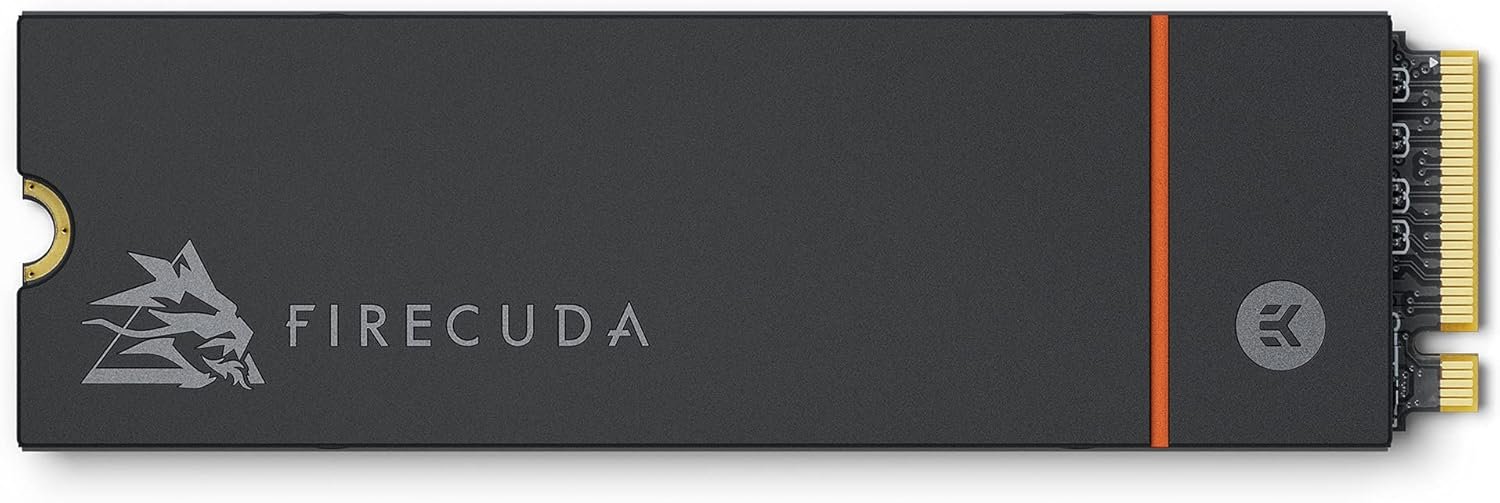
- Capacity: 500GB–4TB
- Interface: PCIe Gen 4 x4, NVMe 1.4
- Sequential read: 7,300 MB/s
- Sequential write: 6,900 MB/s (2TB model)
- Heatsink included: No (heatsink model available)
- Warranty: 5 years
The FireCuda 530 has one standout stat: TBW (terabytes written) endurance. The 2TB model is rated for 2,550 TBW, which is higher than most competitors at the same capacity. For a console drive that sees constant game installs and deletions, that headroom matters — even if the vast majority of users will never come close to hitting it over the drive’s lifetime.
Speed-wise the 530 is on par with the SN850X: 7,300 MB/s read and up to 6,900 MB/s write depending on capacity. Seagate’s 3D TLC NAND and in-house controller deliver consistent performance with no surprise throttling. The FireCuda lineup has a long track record in gaming builds, and Seagate’s 3-year Rescue Services data recovery inclusion is a genuine differentiator — if the drive fails, Seagate will attempt to recover your data.
For PS5 use, the heatsink model is the way to go. The bare drive fits the PS5 slot, but you will need to add a heatsink. Seagate’s official heatsink variant is sized correctly for the PS5 bay and installs cleanly.
Kingston Fury Renegade — Best Value Flagship
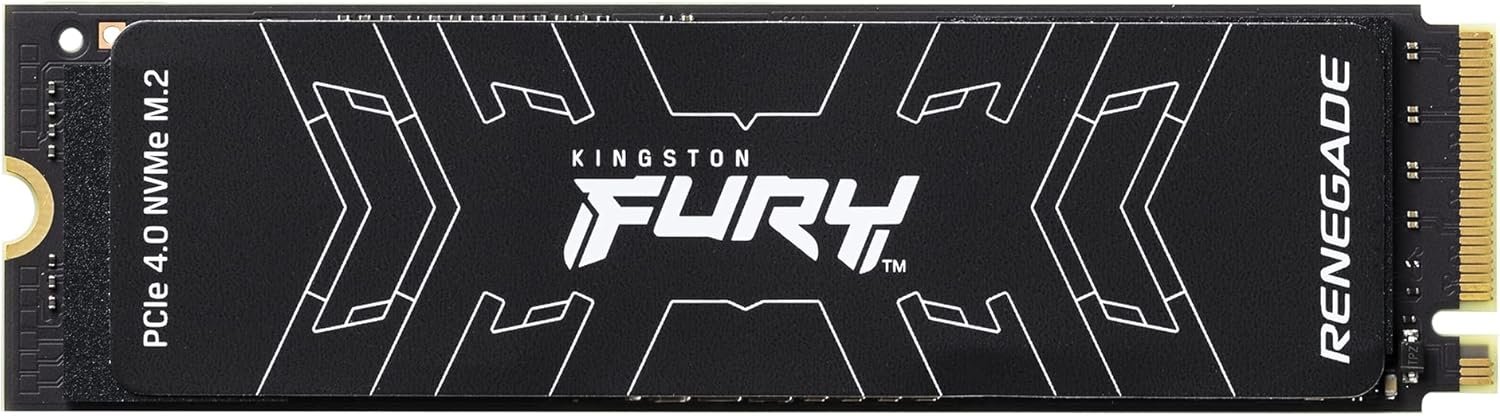
- Capacity: 500GB–4TB
- Interface: PCIe Gen 4 x4, NVMe 1.4
- Sequential read: 7,300 MB/s
- Sequential write: 7,000 MB/s (2TB model)
- Heatsink included: Graphene heat spreader included on all models
- Warranty: 5 years
The Kingston Fury Renegade punches at the same weight class as the SN850X and FireCuda 530 on paper — 7,300 MB/s read, 7,000 MB/s write on the 2TB — and it often costs less. More practically for PS5 users: every Fury Renegade ships with a built-in graphene heat spreader. That is not a full heatsink, but it is a meaningful thermal improvement over a bare PCB, and Kingston also sells a full heatsink model for PS5 if you want maximum cooling.
The Phison E18 controller is well-regarded. Kingston uses Micron 176-layer TLC NAND, which has proven reliable across thousands of user-reported hours. The 2TB model endurance is rated at 2,000 TBW with a 5-year warranty — solid by any standard.
If you are choosing between the SN850X and the Fury Renegade and the Renegade is noticeably cheaper on the day you shop, buy the Renegade. The gaming performance difference on PS5 is negligible.
Sabrent Rocket 4 Plus — Best Budget Gen 4
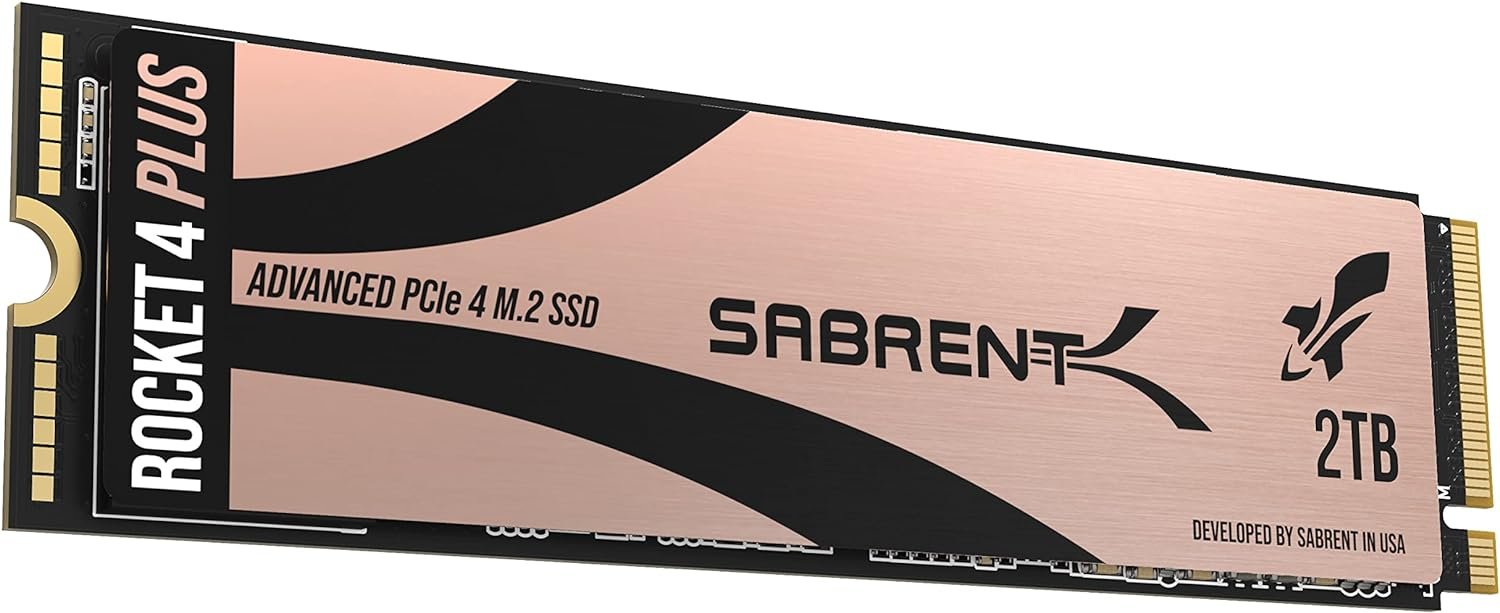
- Capacity: 500GB–8TB
- Interface: PCIe Gen 4 x4, NVMe 1.4
- Sequential read: 7,100 MB/s
- Sequential write: 6,600 MB/s
- Heatsink included: No (PS5 heatsink bundle available)
- Warranty: 5 years
The Sabrent Rocket 4 Plus sits about 200 MB/s behind the top-tier drives on sequential read, and in PS5 practice that gap is not perceptible. What Sabrent does well is price: the Rocket 4 Plus is frequently the least expensive PCIe Gen 4 option in the 1TB and 2TB tiers, making it an excellent choice for budget-conscious buyers who do not want to compromise on interface generation.
Sabrent sells a specific PS5 heatsink combo bundle (SB-RKT4P-PSHS-2TB) that includes both the drive and a compatible heatsink, which makes installation straightforward. The Phison E18 controller in the Rocket 4 Plus is the same controller used in several more expensive drives, so the underlying architecture is solid.
At 1,400 TBW for the 2TB, endurance is competitive. This is a workhorse drive with no meaningful weaknesses at its price point.
Corsair MP600 Pro LPX — Best for Tight Fits
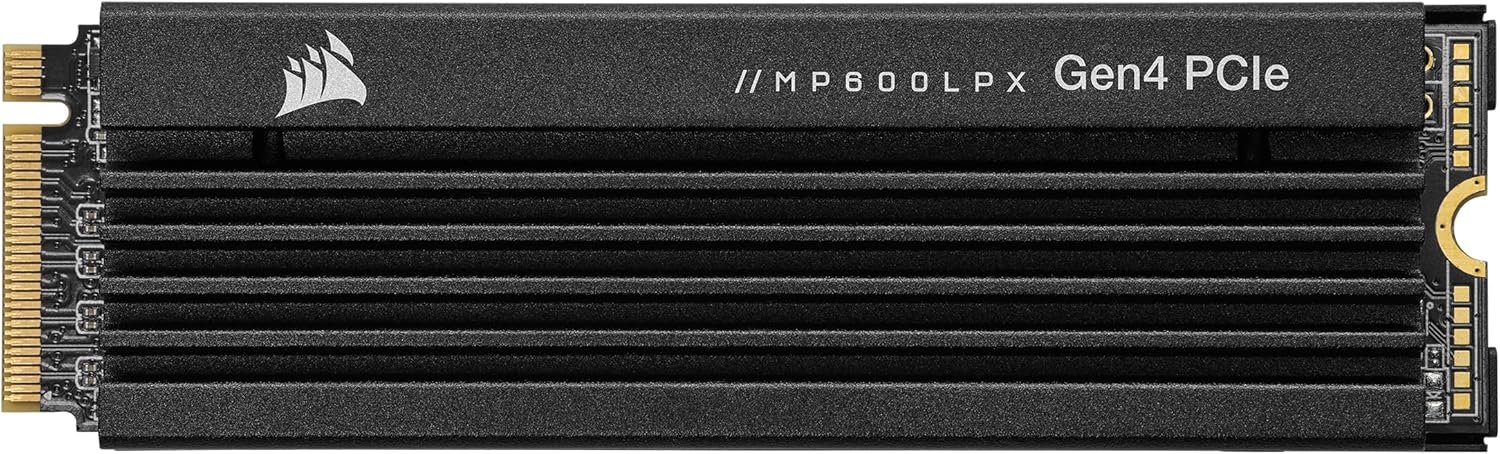
- Capacity: 500GB–4TB
- Interface: PCIe Gen 4 x4, NVMe 1.4
- Sequential read: 7,100 MB/s
- Sequential write: 5,800 MB/s
- Heatsink included: No (low-profile by design — fits PS5 without a heatsink)
- Warranty: 5 years
The MP600 Pro LPX is the one drive on this list that Corsair explicitly engineered for PS5. Its low-profile form factor is designed to sit within Sony’s 11.25mm bay clearance without any heatsink at all — the drive’s built-in aluminum heat spreader handles thermal management within the console’s passive airflow. That makes installation dead simple: no measuring, no third-party heatsink shopping.
Speeds are 7,100 MB/s read and 5,800 MB/s write — slightly behind the top-tier drives but still well above PS5’s minimum threshold. In head-to-head loading tests, the MP600 Pro LPX is within a second of the SN850X on virtually every title tested.
The MP600 Pro LPX comes in black and white, which is a minor point but relevant if you care about aesthetics inside the PS5’s semi-transparent expansion bay cover.
Understanding PS5 SSD Requirements
Before you buy, here are the rules Sony has set:
Interface: The PS5 expansion slot takes M.2 NVMe SSDs only. PCIe Gen 4 is recommended for best performance. PCIe Gen 3 drives technically work, but the PS5 runs them at Gen 3 speeds — slower loading times and below Sony’s recommended 5,500 MB/s threshold.
Form factors supported: 2230, 2242, 2260, 2280, and 22110. The vast majority of retail drives are 2280. Check the label on any drive you buy — 2230 drives are common in laptops and smaller form-factor PCs but are also sold for PS5 use.
Heatsink required: Sony’s documentation states the drive needs a cooling structure. You can use a heatsink that came with the drive, buy a third-party PS5-specific heatsink, or use the PS5’s optional included heatsink bracket (varies by PS5 model). The bay height limit is 11.25mm including the heatsink.
Capacity: Between 250GB and 4TB. 1TB minimum is the practical floor; 2TB is recommended for anyone who plays multiple titles.
Frequently Asked Questions
Does any M.2 SSD work in the PS5?
Any M.2 NVMe SSD within the size and capacity limits will work in the PS5, but PCIe Gen 4 is strongly recommended. PCIe Gen 3 drives are compatible but load games slower than the PS5’s built-in storage, defeating the purpose of the expansion.
Do I need a heatsink for my PS5 SSD?
Yes. Sony’s official guidance requires a cooling structure. Without one, the drive may throttle under sustained load or trigger a thermal warning. The PS5 Slim and PS5 Pro include a built-in heatsink in the expansion bay, but you should still verify clearance. When in doubt, buy a drive that comes with one.
How much storage do PS5 games take?
PS5 native games average 50–120 GB. Large open-world titles like Horizon Forbidden West or God of War Ragnarok land around 80–90 GB. Call of Duty’s full install exceeds 150 GB on PS5. A 2TB drive holds roughly 15–25 titles depending on size.
Is PCIe Gen 5 worth it for PS5?
No. The PS5’s M.2 slot maxes out at PCIe Gen 4 speeds. A Gen 5 drive installed in a PS5 will run at Gen 4 speeds — you would be paying a Gen 5 premium for no benefit on this platform. Save Gen 5 for a PC with a compatible motherboard.
Will upgrading my PS5 SSD void the warranty?
No. Sony designed the PS5 with a user-serviceable M.2 expansion slot. Installing an SSD does not void your PS5 warranty.
Can I use the SSD I install in my PS5 in a PC later?
Yes. The PS5 formats the drive with its own filesystem, but if you move it to a PC you can reformat it for NVMe use. You will lose any game data on the drive when you reformat.
What is the difference between the PS5 and PS5 Pro SSD slots?
Both use the same M.2 slot with the same PCIe Gen 4 interface and the same physical requirements. The PS5 Pro’s internal SSD is faster than the original PS5’s, but the expansion slot specifications are identical. Any drive that works in a PS5 works in a PS5 Pro.
How do I install an SSD in the PS5?
Sony has an official installation guide at PlayStation.com. The short version: power off and unplug, remove the side panel, unscrew the M.2 bay cover, seat the SSD at roughly a 30-degree angle and press down to the screw mount, secure with the included screw, and reassemble. The PS5 will prompt you to format the drive on first boot.