Best External SSD for PS5 and Xbox in 2026
TL;DR — Quick Answer
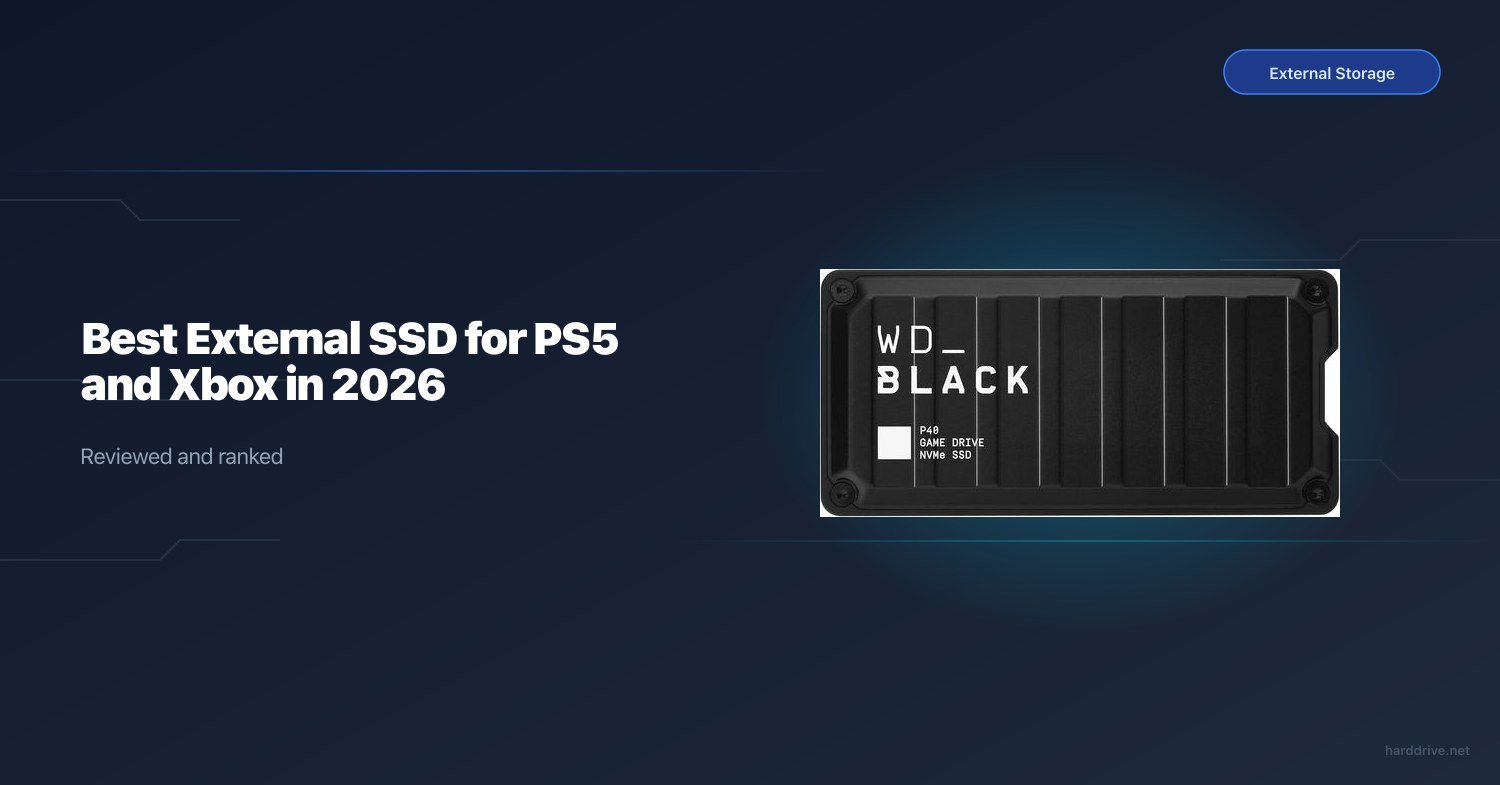
The WD Black P40 is the best external gaming SSD for most people — fast USB 3.2 Gen 2×2 speeds, RGB lighting, and broad console compatibility. For rugged portability, the SanDisk Extreme Portable V2 is the better call. Read the section below before buying: external USB drives have important limitations on PS5 and Xbox Series X that catch many buyers off guard.
Read This Before You Buy
External USB storage rules for consoles are confusing, and getting them wrong means wasted money. Here is the plain-English version:
PS5: An external USB drive cannot run native PS5 games. Full stop. You can store PS5 games on an external drive, but you must move them back to the internal storage (or the M.2 expansion slot) before playing them. What you can do with external USB on PS5: play PS4 games directly, store PS4 games, and keep media files. If your goal is expanding PS5 game storage you can actually play from, you need the internal M.2 SSD slot.
Xbox Series X/S: Games “Optimized for Xbox Series X” require the console’s Xbox Velocity Architecture to run. External USB drives do not support that architecture, so you cannot play those optimized titles from USB — only store them. You must transfer them to the internal SSD or a Seagate/WD Storage Expansion Card to play. However, Xbox One games, backward-compatible Xbox 360 titles, and original Xbox games play fine directly from USB external storage. That is a large library, and external drives are genuinely useful for those.
With that out of the way, external gaming SSDs are still worth buying for:
- PS4 game storage and direct play on PS5
- Xbox backward-compatible game storage and play on Series X/S
- Transferring games between consoles or to a PC
- Any gamer who needs portable storage across multiple devices
Quick Comparison
| Product | Interface | Speed | Best For | Buy |
|---|---|---|---|---|
| WD Black P40 | USB 3.2 Gen 2×2 (20Gbps) | 2,000 MB/s | Best overall | Amazon |
| SanDisk Extreme Portable V2 | USB 3.2 Gen 2 (10Gbps) | 1,050 MB/s | Best rugged/portable | Amazon |
| Seagate Game Drive SSD | USB 3.2 Gen 1 | 540 MB/s | Best PS-licensed option | Amazon |
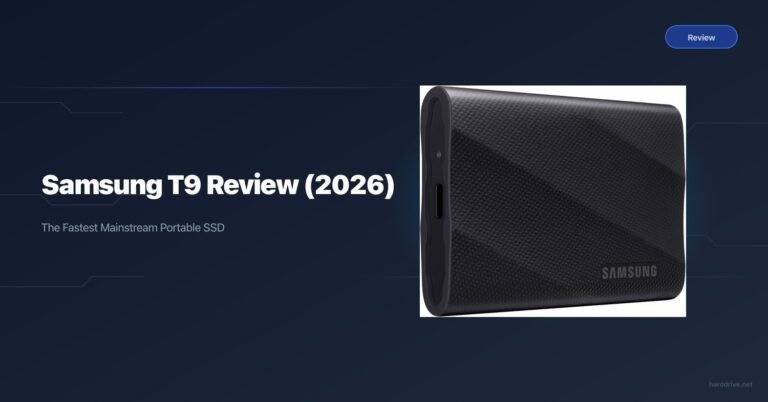
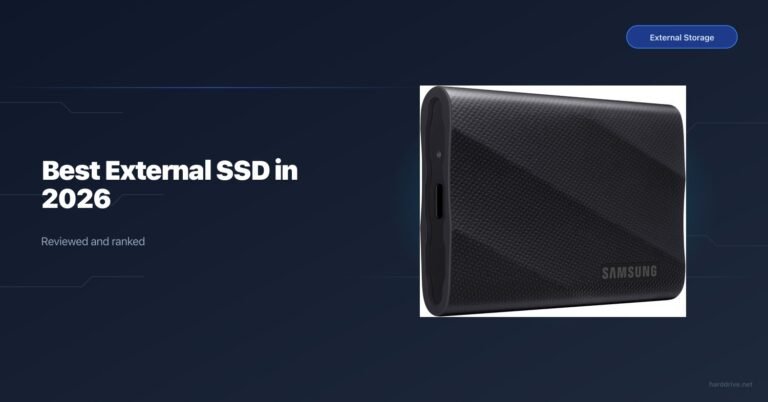
| Samsung T9 | USB 3.2 Gen 2×2 (20Gbps) | 2,000 MB/s | Best creator/gamer hybrid | Amazon |
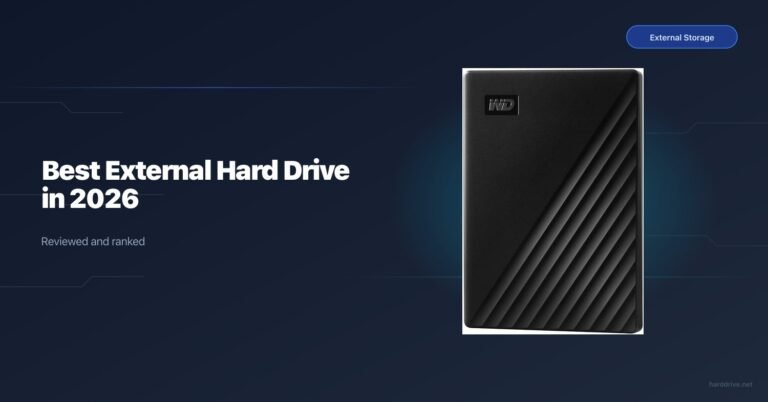
| Seagate Game Drive HDD | USB 3.2 Gen 1 | ~130 MB/s | Most storage per dollar | Amazon |
| WD_Black D30 | USB 3.2 Gen 2 (10Gbps) | 900 MB/s | Budget SSD option | Amazon |
How We Picked
- Speed: We prioritized SSDs over HDDs for most use cases. USB 3.2 Gen 2×2 (20Gbps) is the current ceiling for consumer portable drives; Gen 2 (10Gbps) is still fast enough for game loading and transfers.
- Durability: External drives get moved around. Drop resistance and IP ratings matter more here than for internal drives.
- Console certification: Seagate’s Game Drive lines are officially licensed by Sony and Microsoft, which provides some peace of mind but not a meaningful performance advantage.
- Compatibility: Every drive here works across PS5, Xbox Series X/S, and PC. We called out any limitations.
- Value: We included one HDD option because a 5TB HDD at budget prices stores a massive PS4 or backward-compatible Xbox library.
WD Black P40 — Best Overall
- Capacity: 500GB, 1TB, 2TB
- Interface: USB 3.2 Gen 2×2 (20Gbps)
- Sequential read: Up to 2,000 MB/s
- Sequential write: Up to 2,000 MB/s
- PS5 compatible: PS4 game storage and direct play; media files
- Xbox compatible: Xbox One and backward-compatible game storage and direct play
- Warranty: 5 years
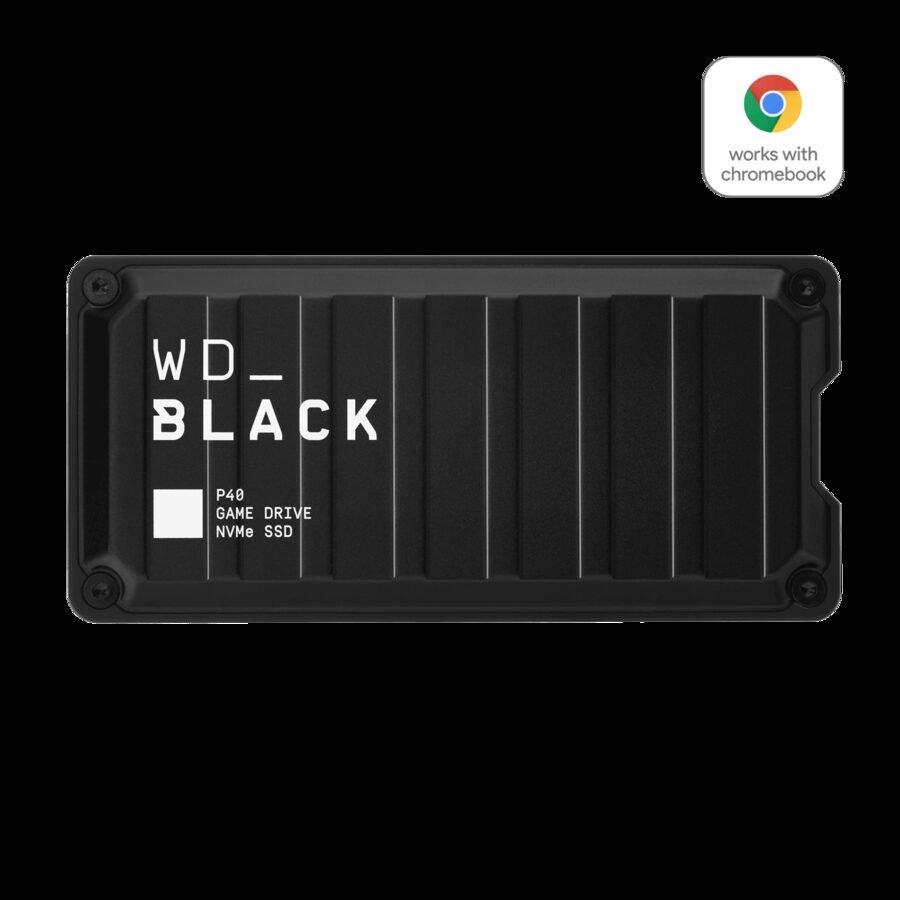
The WD Black P40 is the fastest external gaming drive on this list, hitting up to 2,000 MB/s read and write over USB 3.2 Gen 2×2. That is twice the speed of Gen 2 drives and means game transfers finish in half the time. If you routinely move 50–100 GB games between your console and external storage, those minutes add up.
The P40 also has customizable RGB lighting — which is either a selling point or irrelevant to you, but the build quality is excellent regardless. It is compact, drop-resistant up to two meters, and includes both USB-C and USB-A cables in the box.
For PS5 users specifically: you will use this to play your PS4 game library directly from the drive, which works perfectly. Your PS5 titles can be archived here and transferred back when you want to play them. For Xbox users: this is a great drive for your backward-compatible library and Xbox One game collection.
SanDisk Extreme Portable V2 — Best Rugged Option
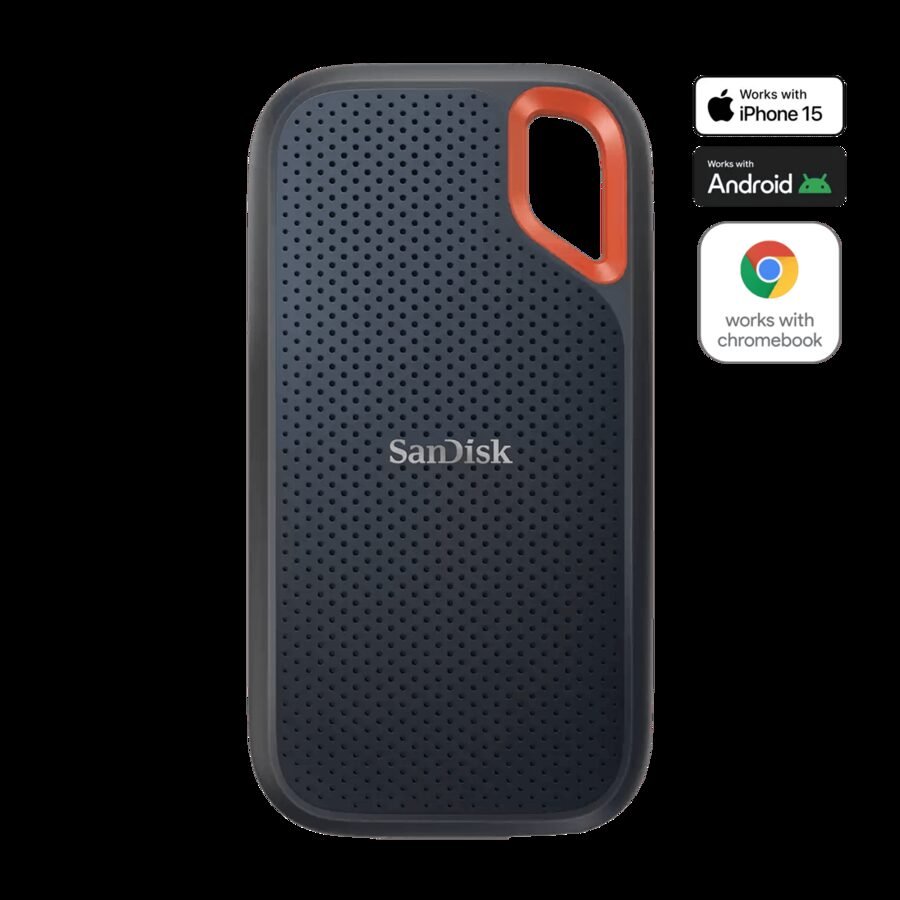
- Capacity: 1TB, 2TB, 4TB
- Interface: USB 3.2 Gen 2 (10Gbps)
- Sequential read: Up to 1,050 MB/s
- Sequential write: Up to 1,000 MB/s
- PS5 compatible: PS4 game storage and direct play; media files
- Xbox compatible: Xbox One and backward-compatible game storage and direct play
- Warranty: 5 years
The SanDisk Extreme Portable V2 is the best choice if your external drive lives in a backpack or gets thrown around. It carries an IP55 rating for water and dust resistance and survives drops up to two meters. The build is rubberized and rugged without being bulky — it fits in a pocket.
Speeds top out at 1,050 MB/s read, which is more than enough for gaming use. The 4TB model is a significant value proposition if you have a large PS4 or backward-compatible Xbox library — not many external SSDs hit 4TB at a competitive price.
SanDisk includes AES 256-bit hardware encryption, which is useful if you store anything sensitive on the same drive or regularly take it out of the house. The 5-year warranty is class-standard.
Seagate Game Drive SSD — Best Official PlayStation License
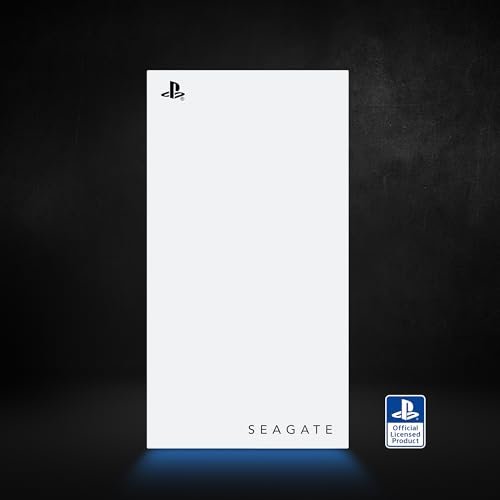
- Capacity: 1TB, 2TB
- Interface: USB 3.2 Gen 1 (5Gbps)
- Sequential read: Up to 540 MB/s
- Sequential write: Up to 500 MB/s
- PS5 compatible: PS4 game storage and direct play; media files; officially licensed
- Xbox compatible: PS-licensed design, but works on Xbox for storage
- Warranty: 3 years
The Seagate Game Drive SSD for PS5 is Sony’s officially licensed portable SSD, styled in white with a PlayStation blue LED light strip. If aesthetics matter to you and you want a drive that looks at home sitting next to your PS5, this is it.
The drive is USB 3.2 Gen 1 — slower than the WD Black P40 or Samsung T9 — but it is more than fast enough for loading PS4 games from external storage. Load times from this drive are noticeably faster than from a traditional HDD, and install transfers from PSN to this drive happen quickly via the PS5’s network download, not USB.
Seagate includes 1-year Rescue Data Recovery Services with the drive, which is a nice addition for casual users who may not have backup habits.
Samsung T9 — Best for Creators and Heavy Users
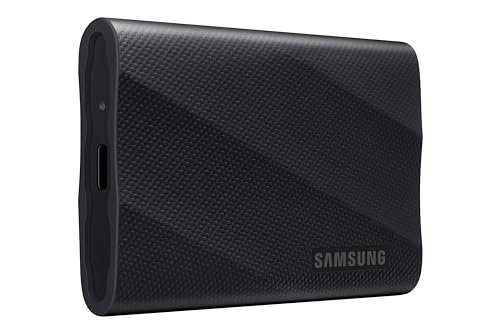
- Capacity: 1TB, 2TB, 4TB
- Interface: USB 3.2 Gen 2×2 (20Gbps)
- Sequential read: Up to 2,000 MB/s
- Sequential write: Up to 2,000 MB/s
- PS5 compatible: PS4 game storage and direct play; media files
- Xbox compatible: Xbox One and backward-compatible game storage and direct play
- Warranty: 3 years
The Samsung T9 matches the WD Black P40’s 2,000 MB/s speeds and adds 3-meter drop resistance — the most robust drop protection on this list. It is a solid all-rounder that works equally well for console gaming and moving large video or photo files for content creators.
At 4TB, the T9 gives you the largest portable SSD capacity on this list at a competitive price. That is enough to store an enormous backward-compatible Xbox library or every PS4 game you own without juggling installs.
Samsung’s NVMe internals and Dynamic Thermal Guard keep the drive running at full speed without throttling during large transfers. The matte rubber exterior looks professional and holds up well in a bag.
Seagate Game Drive HDD — Most Storage Per Dollar
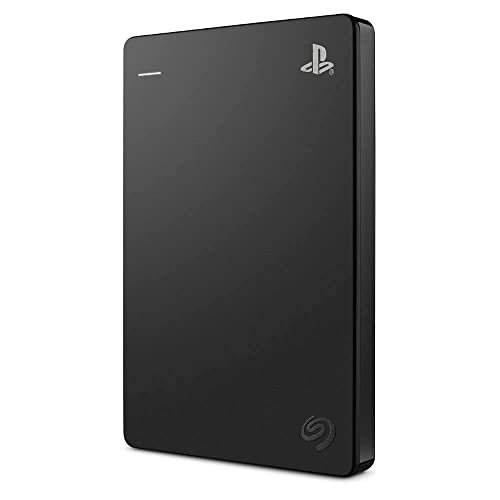
- Capacity: 1TB, 2TB, 5TB
- Interface: USB 3.2 Gen 1 (5Gbps)
- Sequential read: ~130 MB/s (HDD limited)
- Sequential write: ~120 MB/s (HDD limited)
- PS5 compatible: PS4 game storage and direct play; media files; officially licensed
- Xbox compatible: Xbox One and backward-compatible game storage and direct play
- Warranty: 3 years
This is the one HDD on the list, and it earns its spot purely on capacity and price. The Seagate Game Drive HDD’s 5TB model stores dozens of PS4 or backward-compatible Xbox games for significantly less per gigabyte than any SSD option. If you have a large library of PS4 titles and want to archive them all without constantly deleting and redownloading, this drive makes financial sense.
Game loading from an HDD on PS5 is noticeably slower than an SSD — expect 30–60 seconds for large PS4 titles versus 5–15 seconds from an SSD. For games you play infrequently and mostly archive, that tradeoff is acceptable.
The officially licensed PlayStation design means plug-and-play compatibility with no additional configuration.
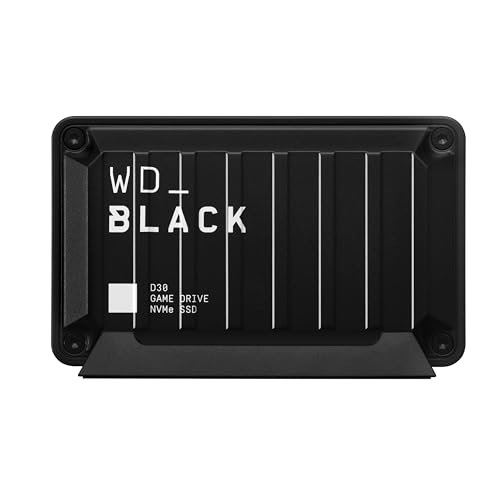
WD_Black D30 — Budget SSD Option
- Capacity: 500GB, 1TB, 2TB
- Interface: USB 3.2 Gen 2 (10Gbps)
- Sequential read: Up to 900 MB/s
- Sequential write: Up to 900 MB/s
- PS5 compatible: PS4 game storage and direct play; media files
- Xbox compatible: Xbox One and backward-compatible game storage and direct play
- Warranty: 5 years
The WD_Black D30 is the budget SSD entry point in the WD gaming lineup. At up to 900 MB/s it does not match the P40’s 2,000 MB/s peak, but it is meaningfully faster than any HDD and significantly less expensive than the P40 or Samsung T9.
If your use case is simple — play PS4 games from the drive on your PS5, or run backward-compatible Xbox titles on Series X — the D30 delivers perfectly adequate performance. Loading times will be comparable to what you experienced on a PS4 Pro or Xbox One X, which is a significant improvement over HDD.
The 5-year warranty is a genuine standout at this price tier. WD also includes both USB-C and USB-A cables.
Frequently Asked Questions
Why can’t I play PS5 games from an external SSD?
Sony designed PS5 native games to run exclusively on storage that meets the PS5’s internal SSD speed requirements — either the built-in NVMe or an M.2 expansion SSD. External USB, regardless of how fast the drive is, does not meet that spec in the PS5’s architecture. This is a firmware-level restriction, not a hardware limitation of the drive itself.
Can I at least store PS5 games on an external SSD and transfer them to play?
Yes. This is actually the recommended workflow if your internal storage is full. Download a PS5 game, store it on an external drive, and transfer it back to the internal SSD when you want to play. Transfers from a fast USB SSD are significantly quicker than downloading from scratch.
What about playing Xbox Series X optimized games from USB?
You cannot play “Optimized for Xbox Series X” titles directly from a USB external drive. Those games require the Xbox Velocity Architecture, which only the internal SSD and the Seagate/WD Storage Expansion Card (the proprietary card format) support. You can store them on USB and transfer to play. Regular games and backward-compatible titles play fine from USB.
What is the fastest external SSD interface for consoles?
USB 3.2 Gen 2×2 (20Gbps) is the current fastest USB option for portable drives and is supported by PS5 and Xbox Series X via USB-C. In practice, the drives themselves often cap out around 2,000 MB/s — below the 20Gbps theoretical ceiling, but still much faster than Gen 2 (10Gbps) drives in real transfers.
Do I need a PS5-licensed external drive?
No. The PlayStation licensing on drives like the Seagate Game Drive is a branding agreement, not a technical requirement. Any USB-formatted external drive works with PS5 and Xbox for its supported use cases. The licensed drives are often styled to match the console and may include bundled software or game trials, but performance is not exclusive to licensed products.
Can I use the same external SSD on PS5 and Xbox?
External drives use exFAT formatting by default, which both consoles support. However, if you format the drive using one console’s setup, the other console may not read it without reformatting — which erases your data. Best practice: use the drive with one console primarily, or reformat when switching and treat it as a clean slate.
Should I buy an external SSD or upgrade the PS5 internal storage?
For playing PS5 games, upgrade the internal M.2 slot — an external drive cannot run them. For archiving PS4 games and backward-compatible Xbox titles, an external drive is cost-effective and convenient. If budget allows, do both: internal NVMe for PS5 game storage and an external drive for your older library.